Hollaex is a basic RestExchange adaptation for Hollaex exchange.
Change the api url to connect to a specific hollaex exchange
HollaEx account setup
HollaEx is an open-source white label exchange: OctoBot is compatible with every HollaEx powered exchange.
An API Key can be considered as a username that is generating to allow access to data.
An API Secret, also referred to as API Private Key is simply a password used in combination with an API Key.
Create an account
- Fill the registration form on the HollaEx powered exchange you wish to Trading on (or on hollaex.com to use HollaEx's demo exchange).
Generate API key
Generate Your Keys
- Sign into your Exchange account
- Click on your profile in the top right corner.
- Click on
Security - Click on
API Keys - Click on
Generate API Key
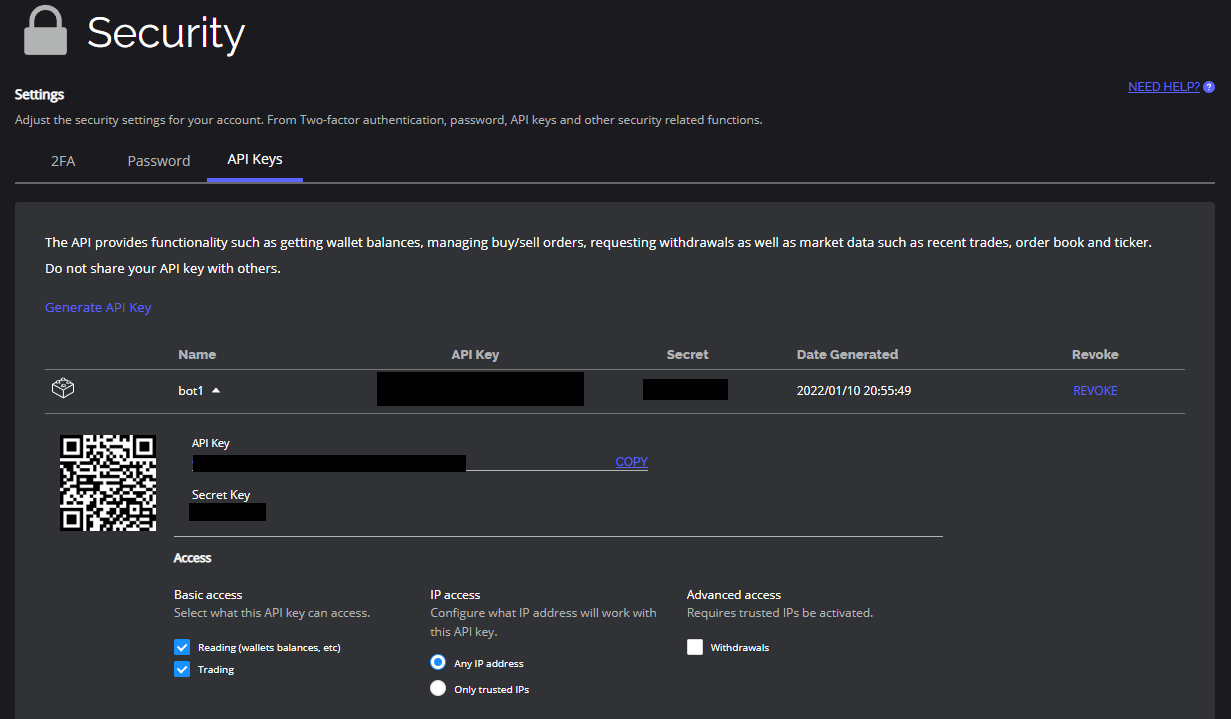
Configure the API Settings
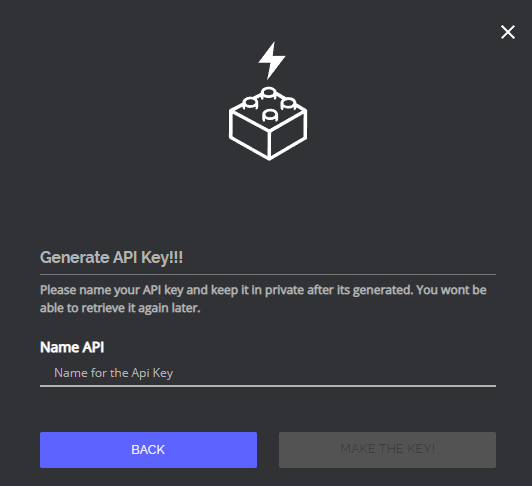
- Give a name to your API Key
- OctoBot needs the
Readfunction to be able to pull in balances from HollaEx andTradeto create new orders. - Click on Submit.
Add the API key to OctoBot
Add HollaEx exchange
- Start your OctoBot
- Click on
Accountstab - Click on
Exchangeson the left menu - Click on the selector and search
hollaex - Click on
ADD
Enter the HollaEx exchange address
Optional: If you are connecting to an exchange that is based on HollaEx but is not https://www.hollaex.com/, you can enter its url on the HollaEx configuration.

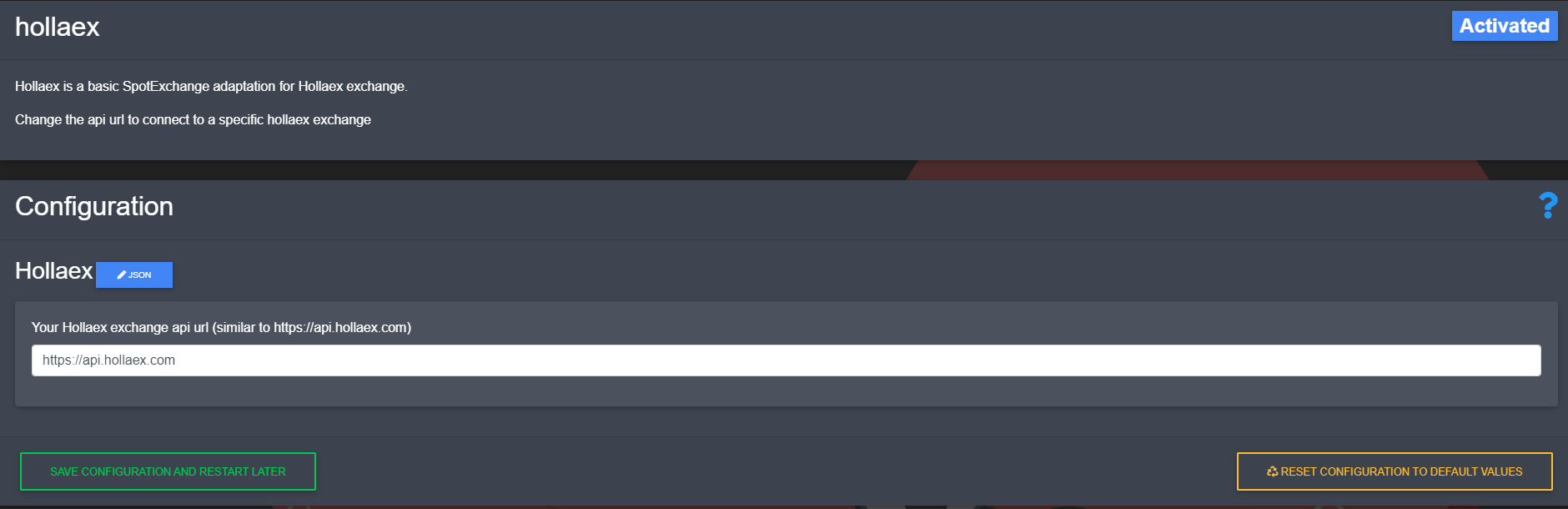
Note: after changing the url, you will need to restart OctoBot for it to take your new exchange url into account.
Add HollaEx API keys
- Copy and paste
API Keyfrom HollaEx to your OctoBotAPI Keyfield - Copy and paste
Secret Keyfrom HollaEx to your OctoBotAPI Secretfield
- Click on
Save And restart