Aller au contenu principal

24 articles tagués avec « Cryptocurrency »

Voir tous les tags
Façonnez le future d'OctoBot

Façonnez le future d'OctoBot

· 3 minutes de lecture
Guillaume
Co-founder of OctoBot
info

La traduction française de cette page est en cours.
cover

Vos idées en priorité

Contexte rapide

Simplicity and transparency are among the most important values to us as we explaned on our previous article regarding the new OctoBot cloud.

With OctoBot cloud, we are comitted in creating the best strategy automation system possible. Of course, "best" always depends on what is used as comparison criteria.
For us it means that you, our users, can:

  1. Clearly identify the investment strategies you want to use
  2. Easily start the trading strategies you choose
  3. Quickly access and understand all the data to follow your investment
  4. Adjust things whenever you want to, in a very simple way

This represents many challenges as each of those 4 steps can become very complex and end up being unsable. We want to avoid that at all cost.

That is why are building tools to make it easy for you to share your ideas on how to improve each of those steps, according to your own experience.

Le système actuel

Up until the day of writing this article, the open source OctoBot grew based on user feedbacks according to a mix of ideas pushed by the user community on:

Ce que nous voulons accomplir

Our goal is, and has always been, to shape the whole OctoBot ecosystem according to its whole community best ideas and needs.

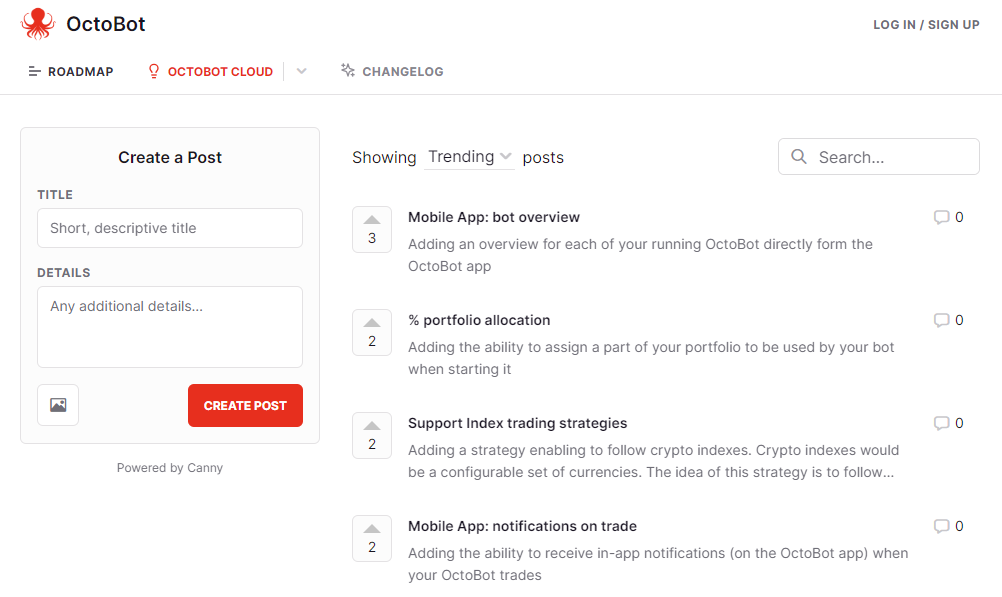
As the community is growing and we are now releasing new features at a much faster pace, we will give a greater weight to our public feedback and roadmap system and split it into two part:
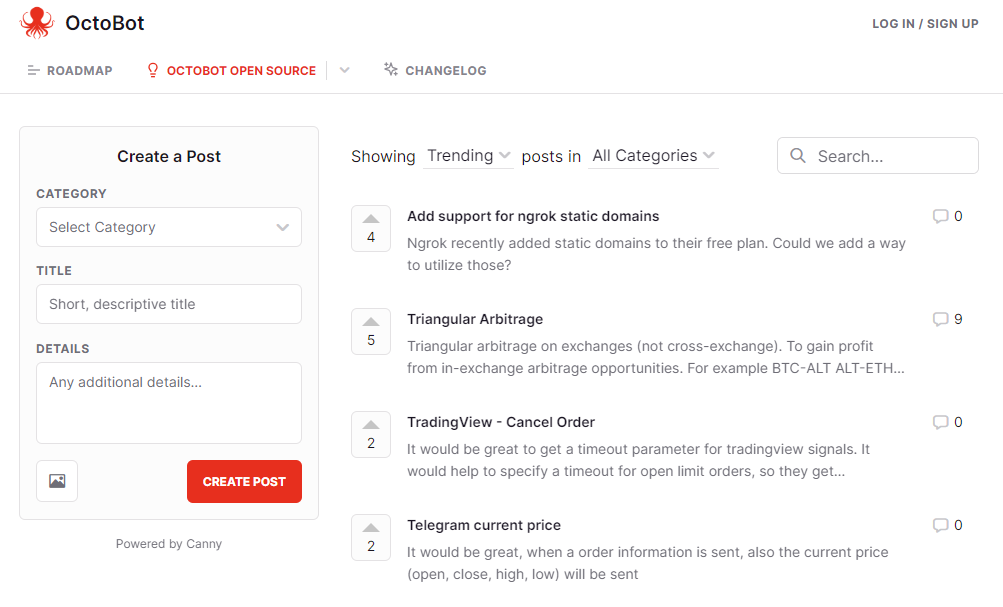
octobot_cloud

open_source_octobot

Comment ça fonctionne ?

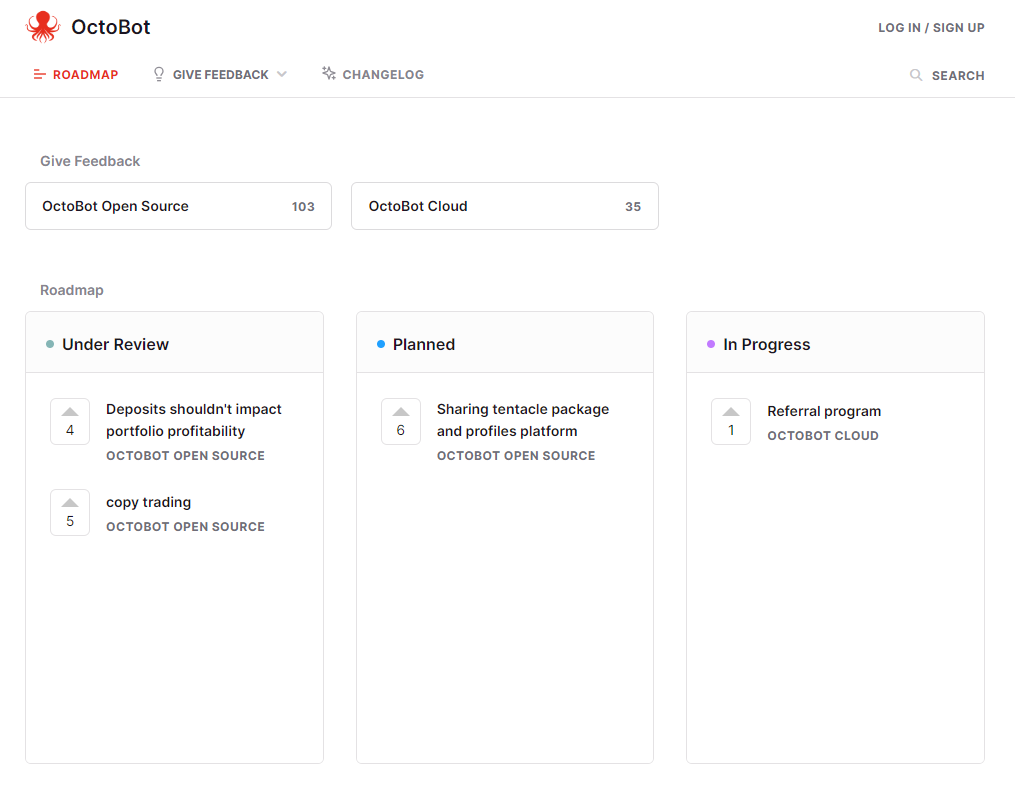
On feedback.octobot.cloud you will find our public roadmap showing:

  • What we are currently working on
  • What we are planning to do next
  • Ideas on the following things to work on based on your and our inputs
dca

What you can do to improve OctoBot:

What happens next ?

  • We update this roadmap on a regular basis to reflect our current work
  • You get notified when things change to an idea you submitted or are following
  • Both the open source OctoBot and OctoBot cloud become better and better thanks you and we are really greateful for this. Thank you
Présentation du nouvel OctoBot cloud

Présentation du nouvel OctoBot cloud

· 5 minutes de lecture
Guillaume
Co-founder of OctoBot
info

La traduction française de cette page est en cours.

The new Investor plans allow you to enjoy trading strategies in a very easy yet powerful way. These plans allow you to benefit from OctoBot based strategies without the technicalities of OctoBot. OctoBot cloud trading bots also benefit from an improvement and are now designer for users you want to automate their own trading strategies.

Pourquoi un nouvel OctoBot cloud ?

At OctoBot, we realized that the current state of OctoBot is suitable for users with a technical background but is too complex for the majority of people.

The goal of OctoBot has always been to bring automated trading strategies to any crypto investor. This includes tech savvy users as well as all the others. Up until now, OctoBot failed to be usable by any crypto investor and the new OctoBot cloud is built for them.

While the full OctoBot is designed to create and customize strategies, the new OctoBot cloud makes it very easy to use those strategies

We are splitting OctoBot plans into 2 different kinds:

  1. Strategy based plans
  2. Full OctoBot plans

Choisir une stratégie, pas un robot: les plans basés sur les stratégies

OctoBot can be complicated to use and setup, finding your suitable strategy can be even more difficult. That's why we make strategy based plans as simple and clear as possible

OctoBot, mais simple

Ideally, when you want to use a strategy and not create one, you want to:

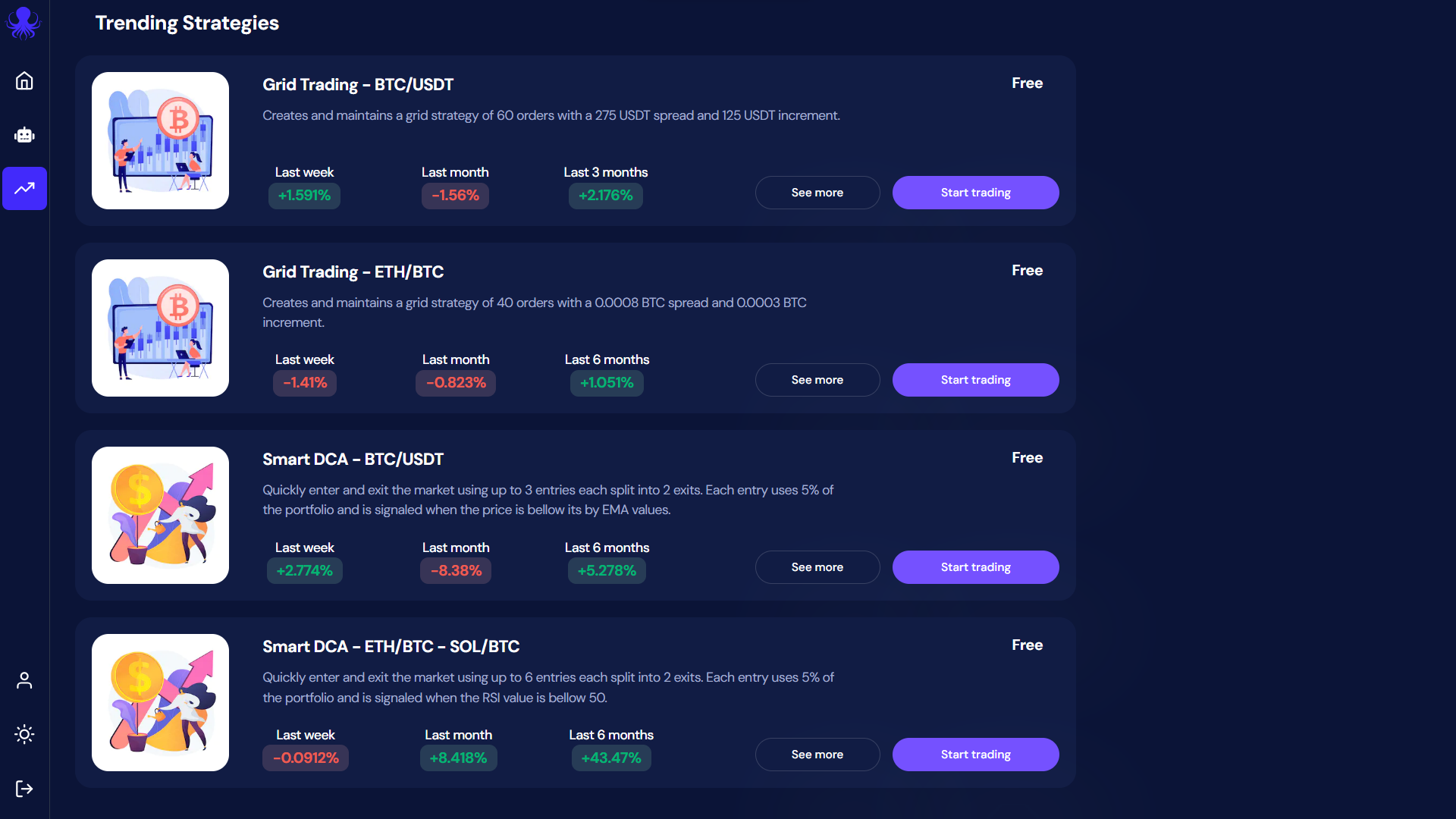
  1. Explore and compare available strategies
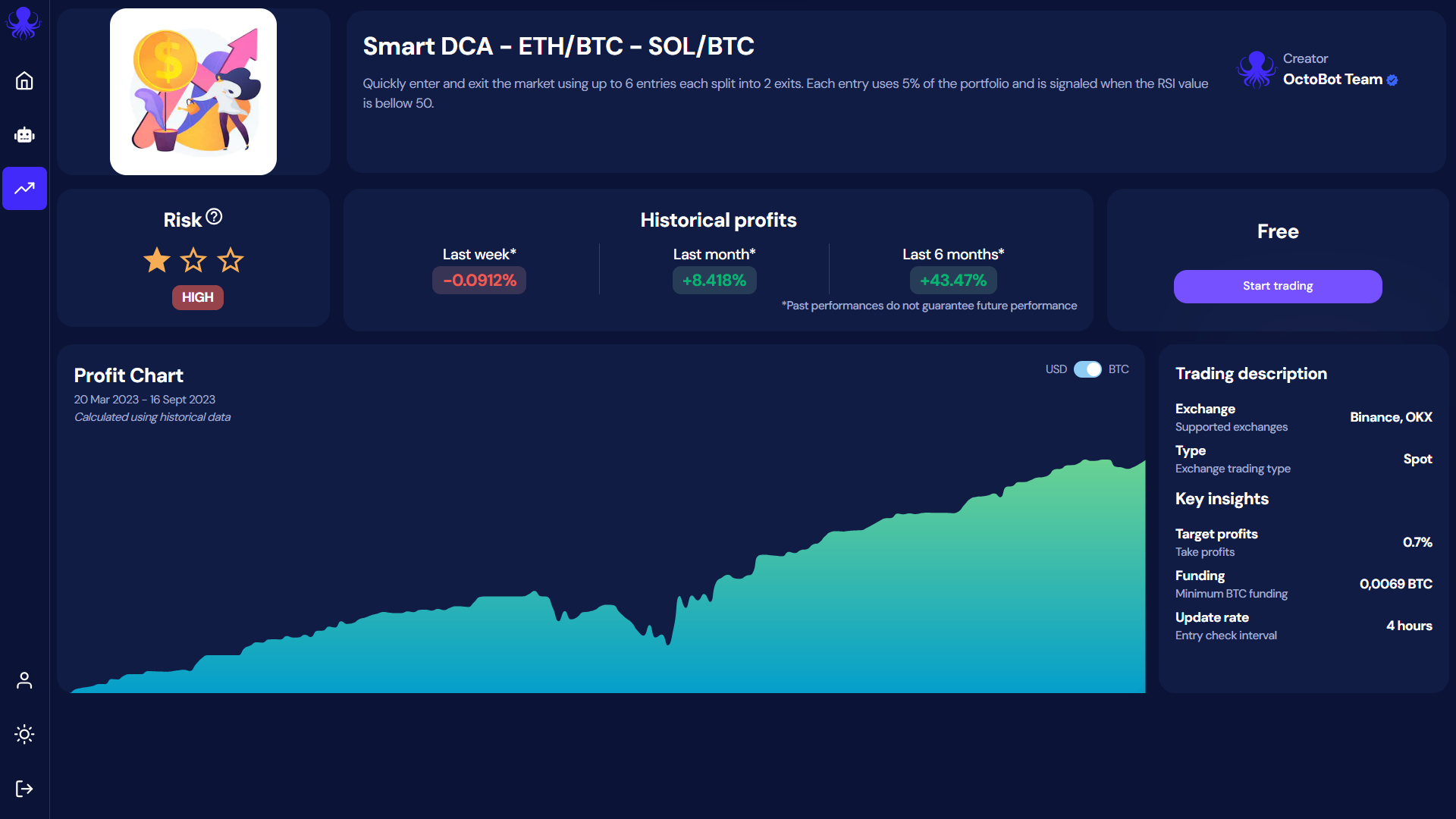
  2. Understand potential profits and risks of the strategy of your choice
  3. Apply this strategy on your exchange account

It shouldn't be more complicated than this. Making these steps as easy as possible is our goal with the Investor and Pro plans.

Therefore, using those plans, you don't need to care about your OctoBot, we are doing it for you. You just need to:

  1. Select the strategy of your choice strategies

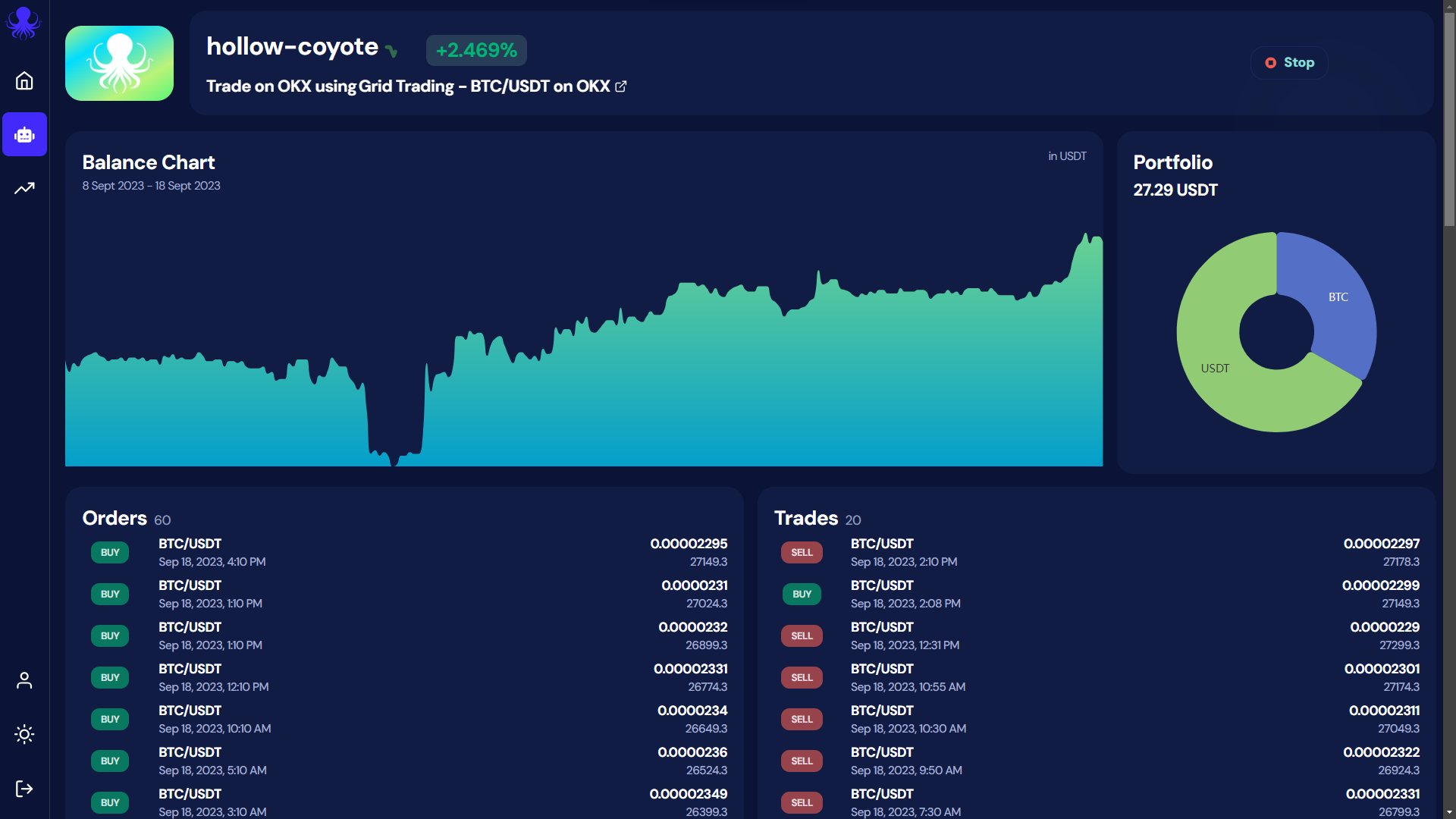
  2. follow your gains directly from OctoBot cloud bot

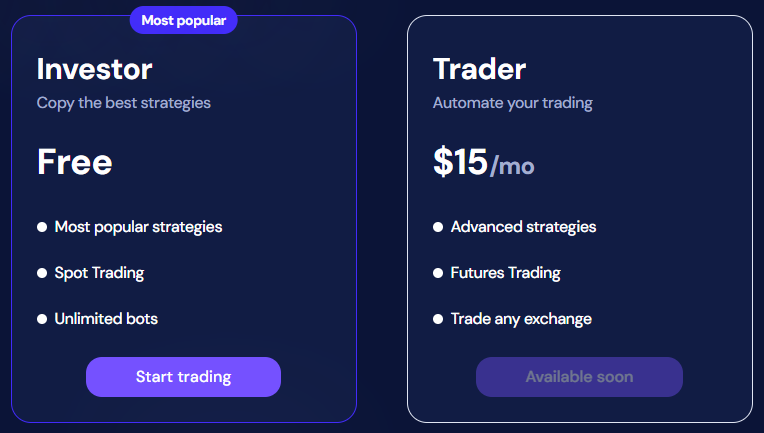
Besides simplicity, making strategies financially accessible is also important to us. For this reason, we designed the Investor plan to be completely free and unlimited.

Pas de coûts, pas de frais, ca fonctionne

At OctoBot, we believe that making a free plan will help a lot of people accessing automated trading strategies.

That's why the Investor plan enables everyone to simply use trading strategies for free.

This not a free trial: when you use a strategy with the Investor plan, we are not asking for your payment information, there is no monthly subscription fee, no % taken on gains, no hidden fees.

How is this possible ? When using the Investor plan, we rely on exchange partnerships to pay for our running costs. This means that as long as you use an exchange account from an OctoBot official partner, exchanges reward us and you are free to use the Investor plan forever.

plans

La transparency est clée

Of couse, each strategy on OctoBot cloud is built, run and tested using OctoBot. This means that each strategy past performance is evaluated on a regular basis using historical data and OctoBot's backtesting engine. This ensures that displayed statistics are real as strategy based plans are also using OctoBot under the hood.

dca

At OctoBot we believe in transparency. This means that sometimes strategies can turn unprofitable as profits depends on so many different factors including market conditions. If a strategy is not making profits during a given period, you will see it before using it.

Créer votre propre stratégie: les robots de trading OctoBot cloud

cover

OctoBot trading bots enable you to run OctoBots on our cloud system and adds a few features such as the strategy designer, free TradingView webhooks and ChatGPT integrations.

Those offers will now be explicitely targeting users who want to create or customize strategies.

Démarrer votre OctoBot

L'open source OctoBot

The current OctoBot (available on github) will stay open source, we will keep updating it as it is the backbone of everything on OctoBot cloud.

Each plan uses it and will help support the development of the free open source trading robot.

Basically nothing changed for the open source OctoBot, it will continue to grow and improve.

Phase de bêta

At the time of writing, the new OctoBot cloud is in beta stage. While the technical part is fully fonctionnal, we are working on the last user interface improvements before completely replacing the current octobot.cloud.

Feel free to use, experiment and give us your feedback on the new OctoBot cloud, we are looking forward to knowing what your think of it and our new strategy-based plans. Join us on the beta dedicated telegram channel here

Facilement déployer votre OctoBot dans OctoBot cloud

Facilement déployer votre OctoBot dans OctoBot cloud

· 2 minutes de lecture
Paul
Co-founder of OctoBot
info

La traduction française de cette page est en cours.

cover

Votre OctoBot, toujours en ligne et accessible

The main benefit of hosting OctoBot in the cloud are that it will be remain online, no need to install OctoBot or have it running your computer anymore. Moreover, your OctoBots can be accessed from anywhere, as long as you have an internet connection.

This can be especially useful for traders who need to monitor their OctoBot from different locations or devices.

Comment déployer votre OctoBot sur OctoBot cloud ?

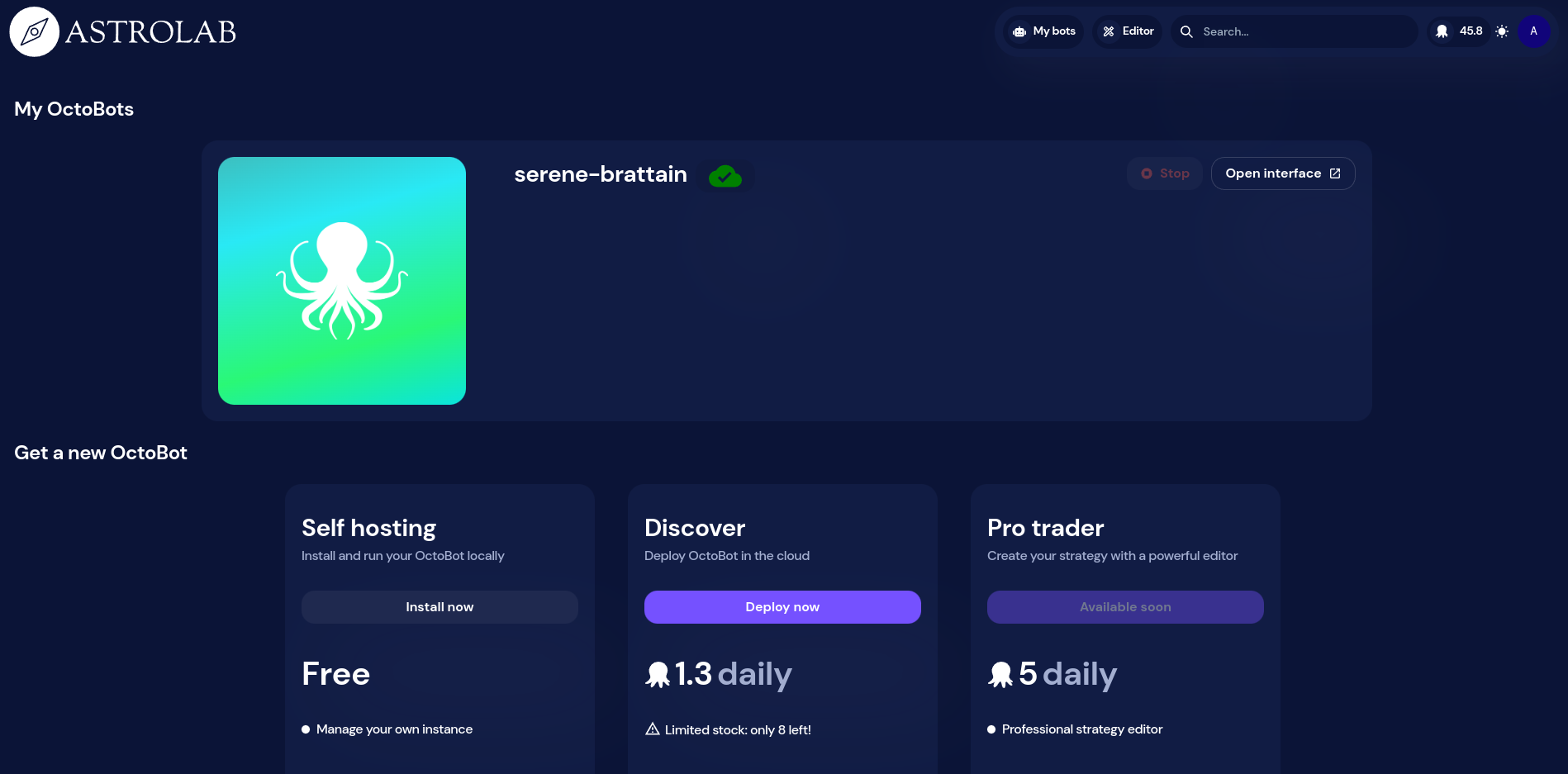
  1. Login on OctoBot cloud and go to My bots. my-bots-button
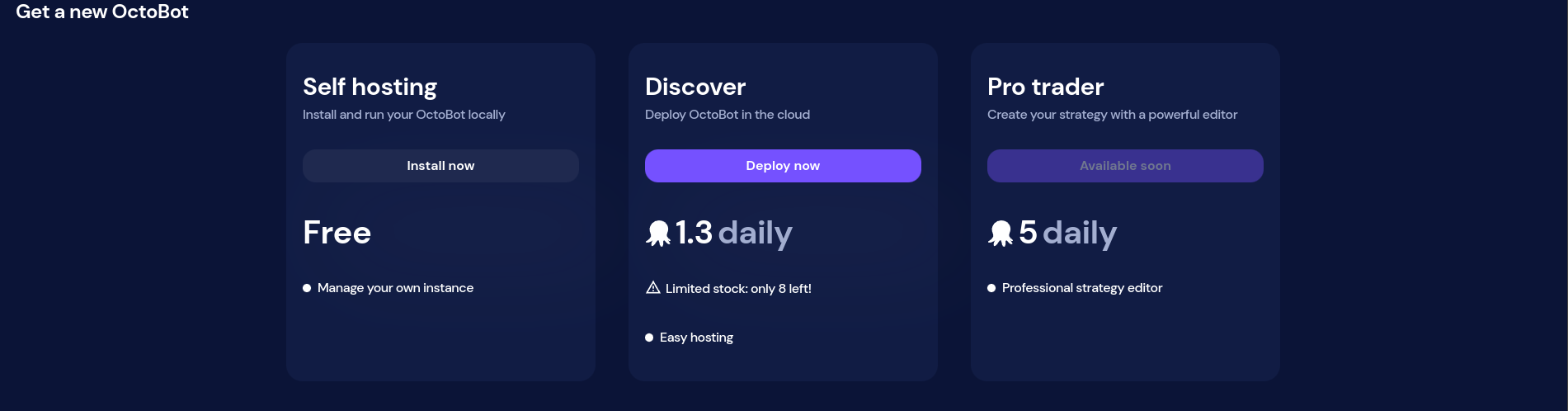
  2. Click on Deploy now from the Discover card. deploy-now
  3. Wait until your OctoBot is available. This may take a few minutes. deploying
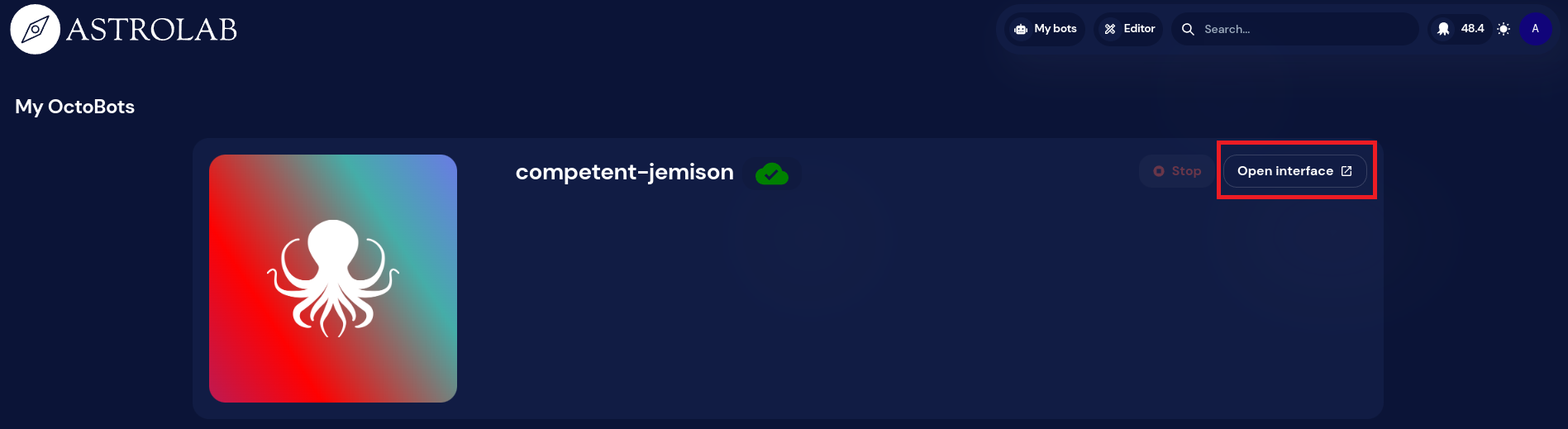
  4. Access your personal OctoBot using the Open Interface button. open-interface
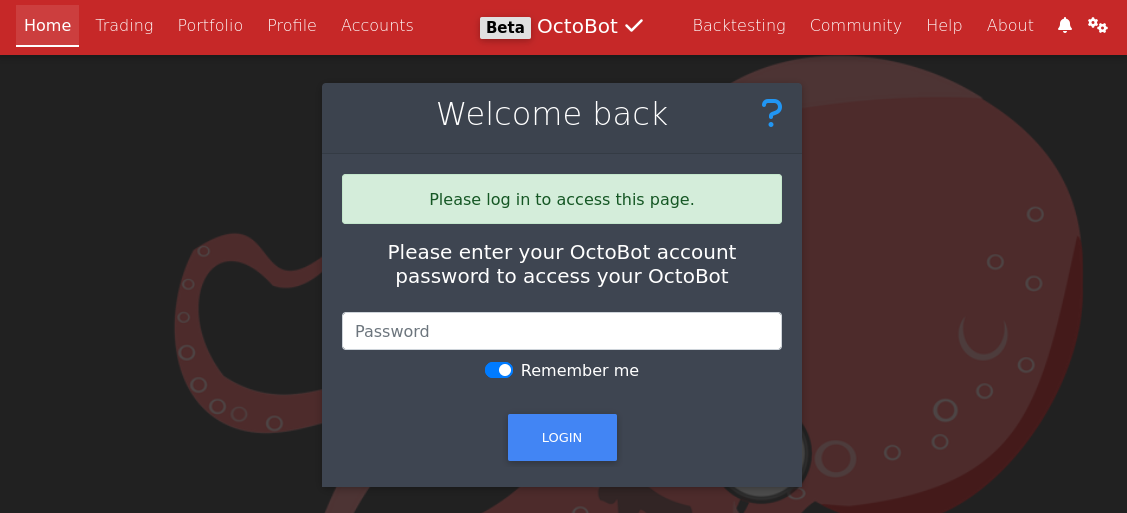
  5. Unlock your OctoBot with your OctoBot cloud account password. login
  6. Enjoy your OctoBot from anywhere.

Note: running a cloud OctoBot requires OctoBot cloud credits. We will soon add ways to get those credits. Fow now please ask the OctoBot team if you need beta credits.

Rejoindre la bêta

If you're interested in participating, be sure to follow any guidelines and instructions provided by the OctoBot team, and take the time to thoroughly test the application and provide useful feedback.

Cloud OctoBots will first be available on the beta OctoBot cloud.

To participate in the beta testing of OctoBot's cloud hosting, you'll need to sign up to be a beta tester.

Once you've been accepted into the program, please follow these instructions to access the beta version of the application and any other necessary information.

Suivre des stratégies avec OctoBot cloud

Suivre des stratégies avec OctoBot cloud

· 3 minutes de lecture
Paul
Co-founder of OctoBot
info

La traduction française de cette page est en cours.

cover

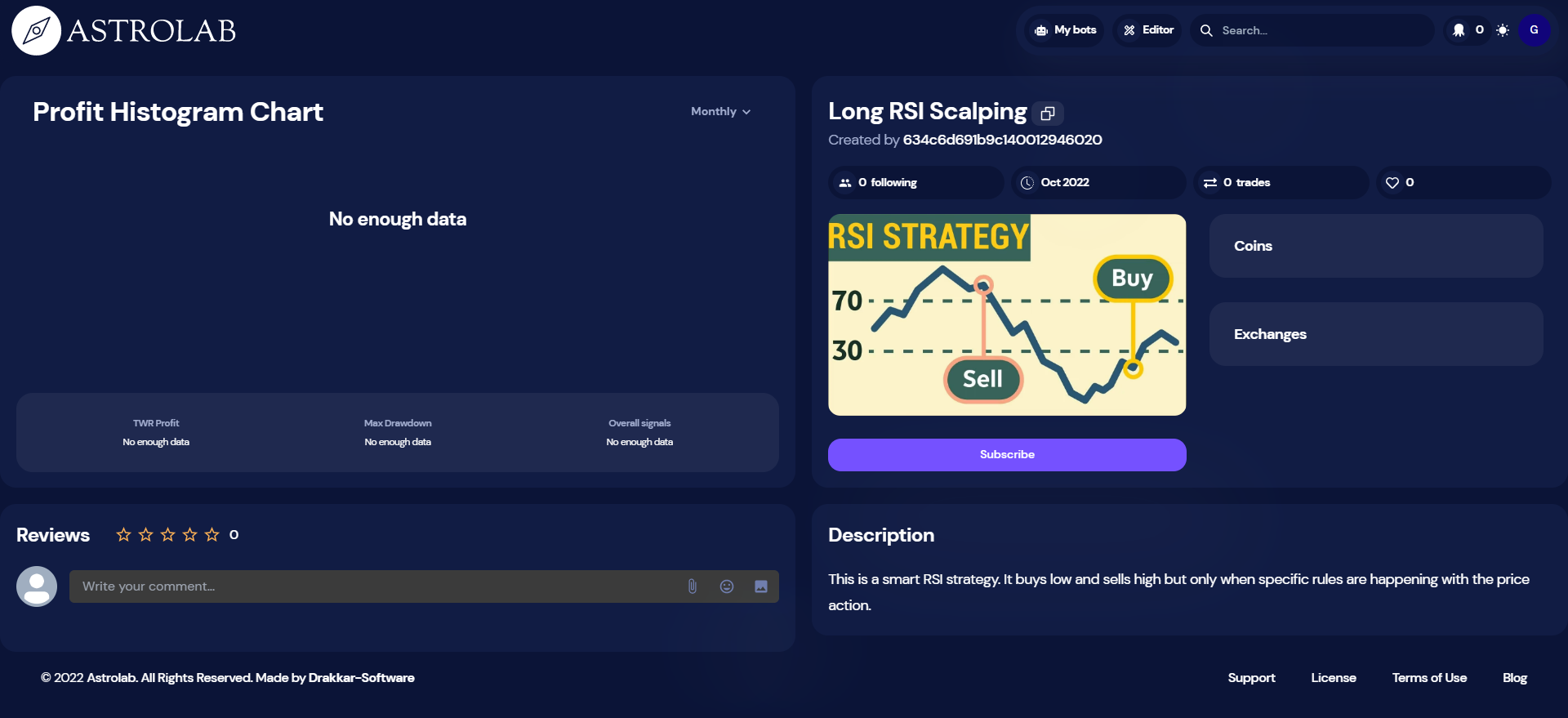
On OctoBot cloud, you can subscribe to trading strategies. Subscribing to a strategy allows you to easily trade using a strategy made by someone else from the OctoBot community.

When subscribed to a strategy, you can use the strategy profile directly from your OctoBot. When you do so, your OctoBot will follow the strategy by coping any trade made by this strategy. Order amounts will be adapted to your current portfolio.

Comment utiliser une stratégie ?

  1. Login on OctoBot cloud and go to the desired strategy page
  2. Click Subscribe Following-strategies-pre-sub
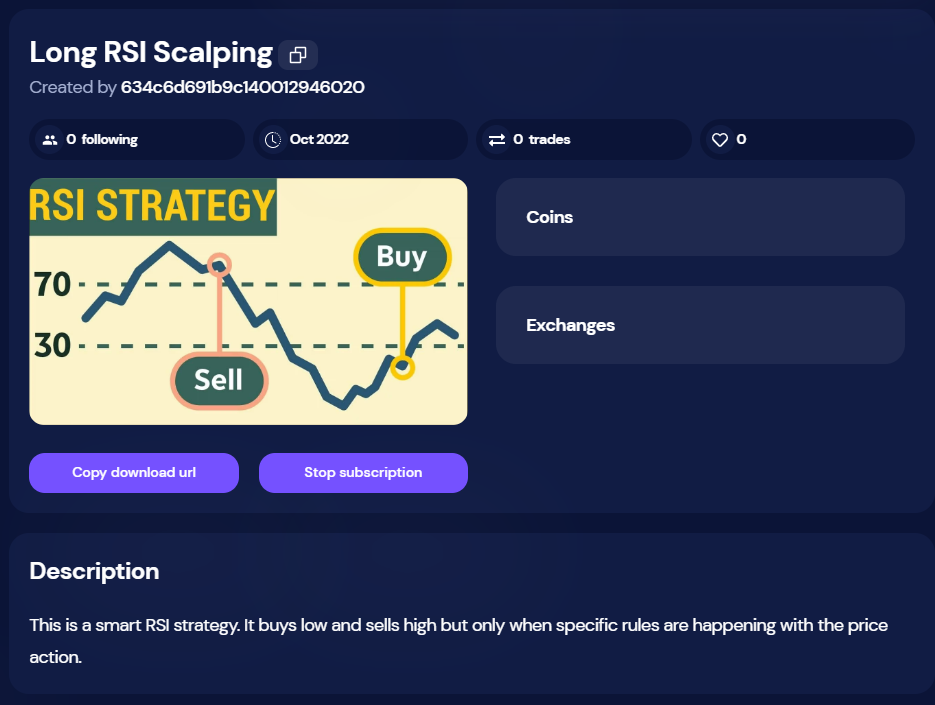
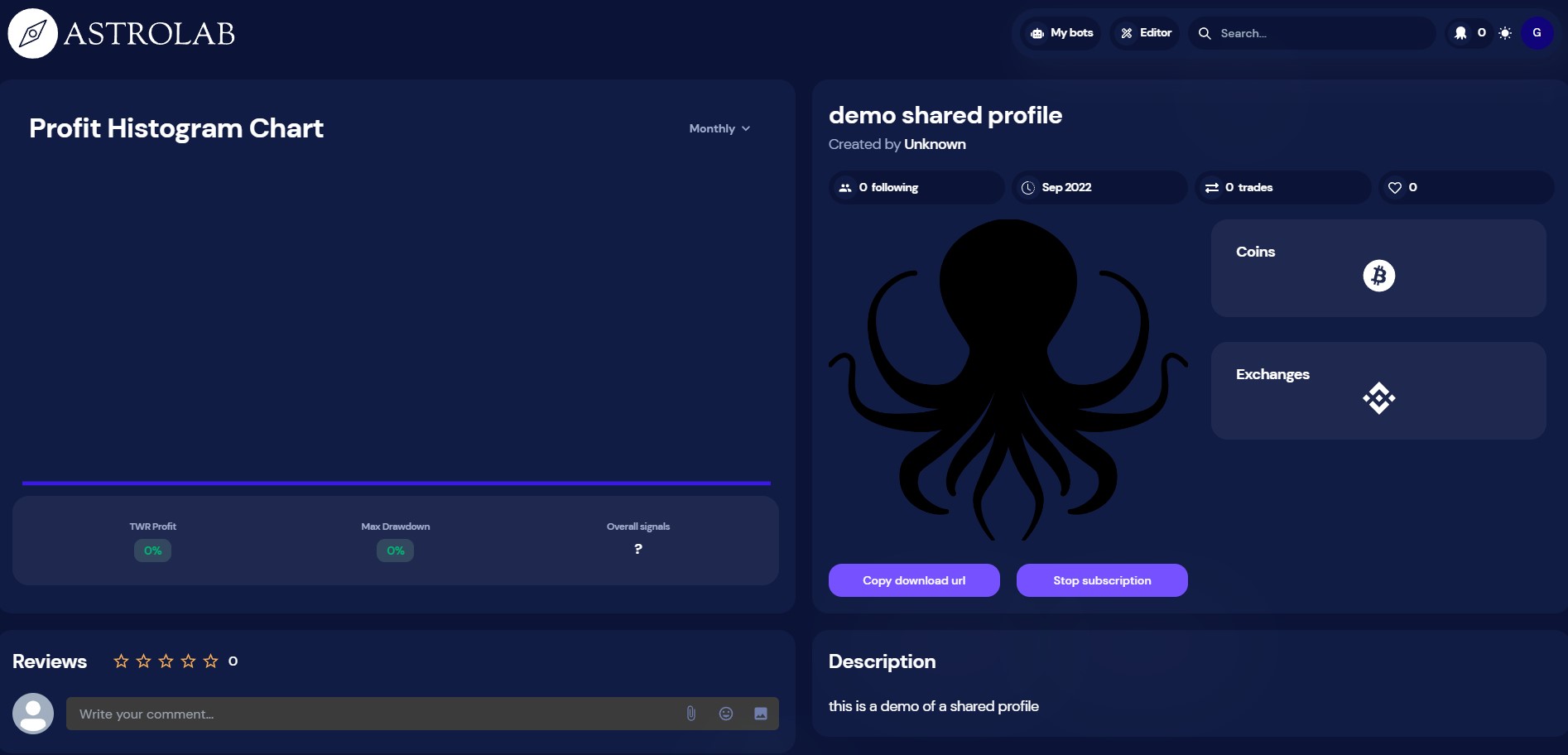
  3. Now that you are subscribing to the strategy, click Copy download url
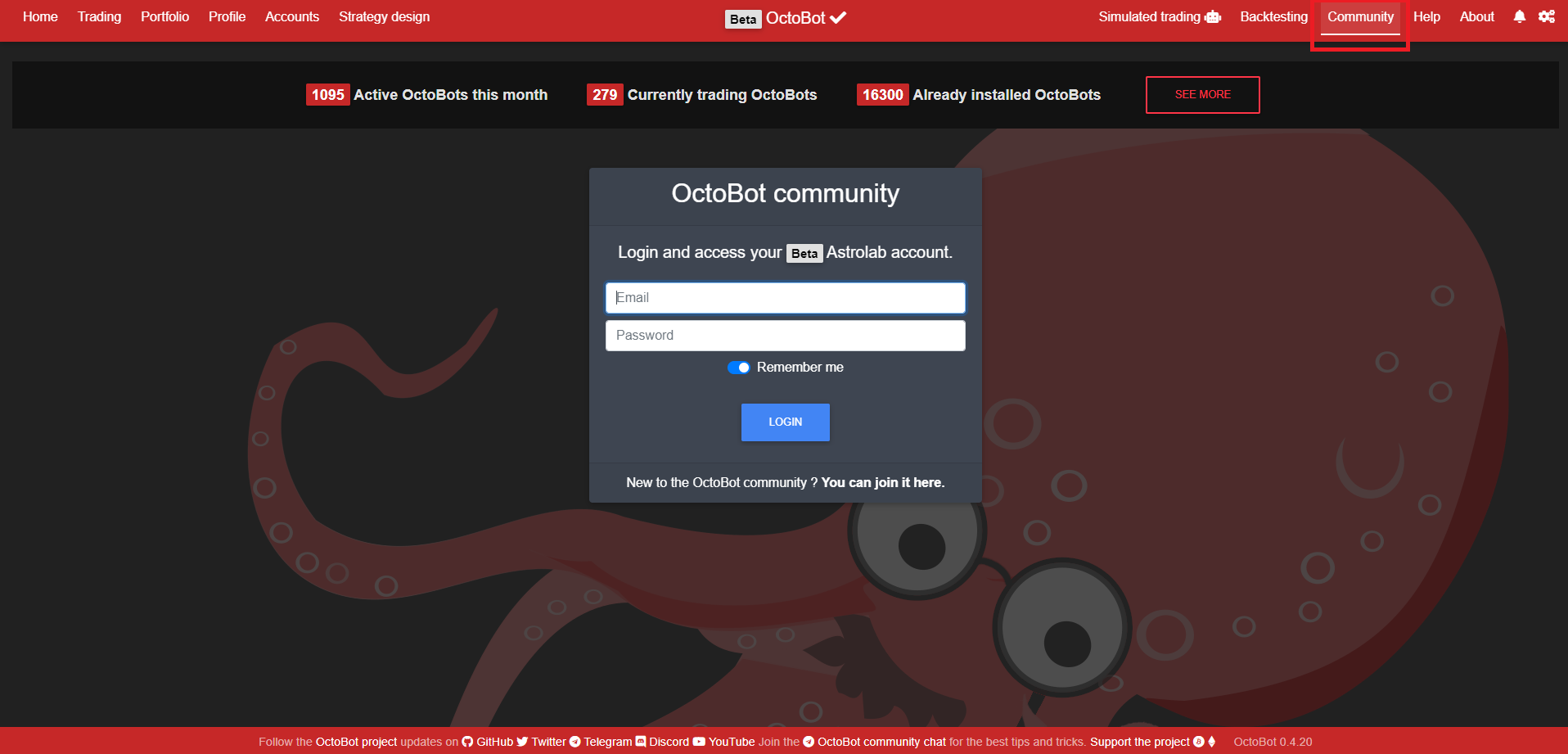
  4. From your OctoBot, login to your OctoBot cloud account Following-strategies-community
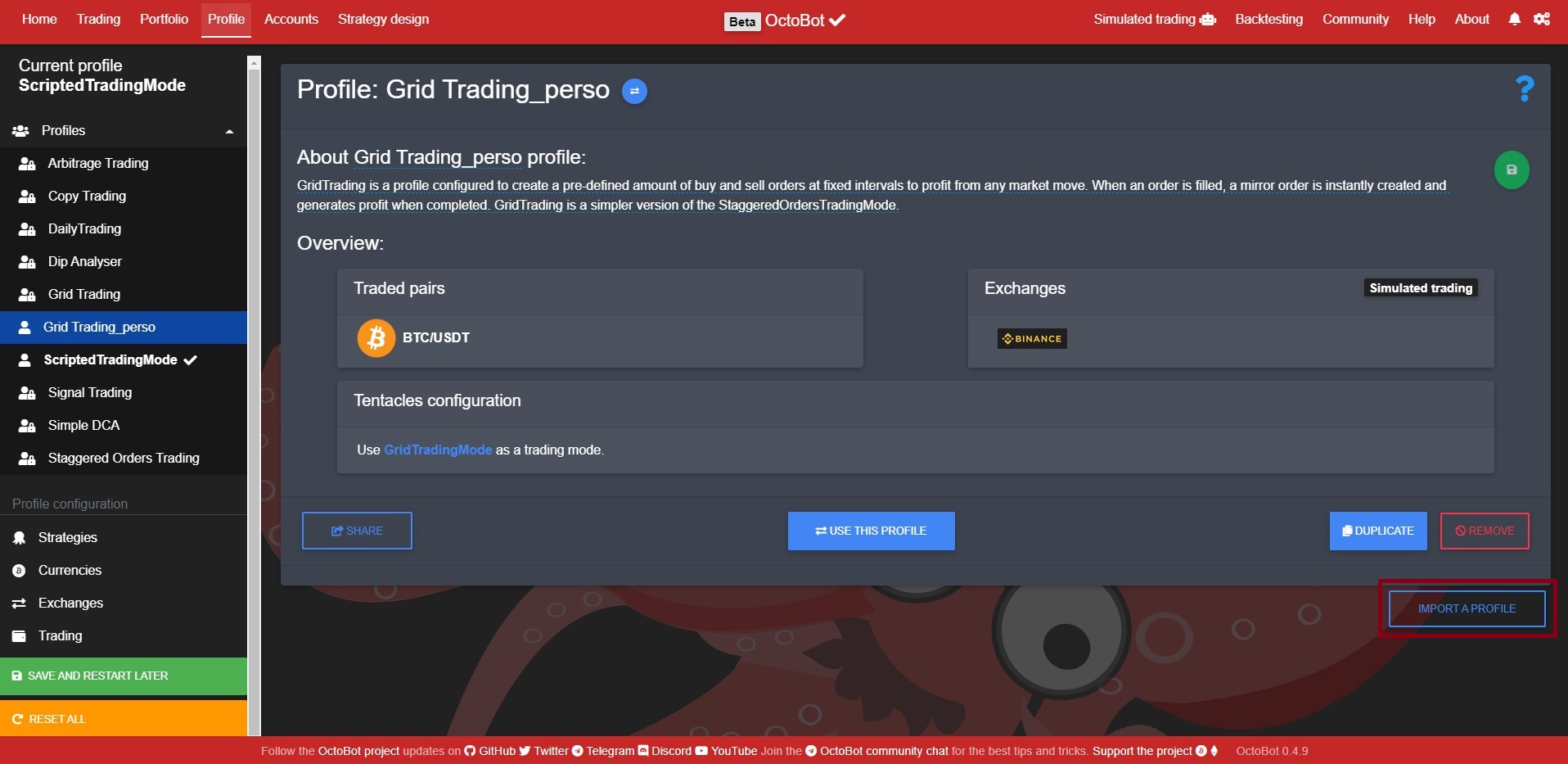
  5. Go to the Profile tab and click on the name of the current profile, click Import a profile Following-strategies-import
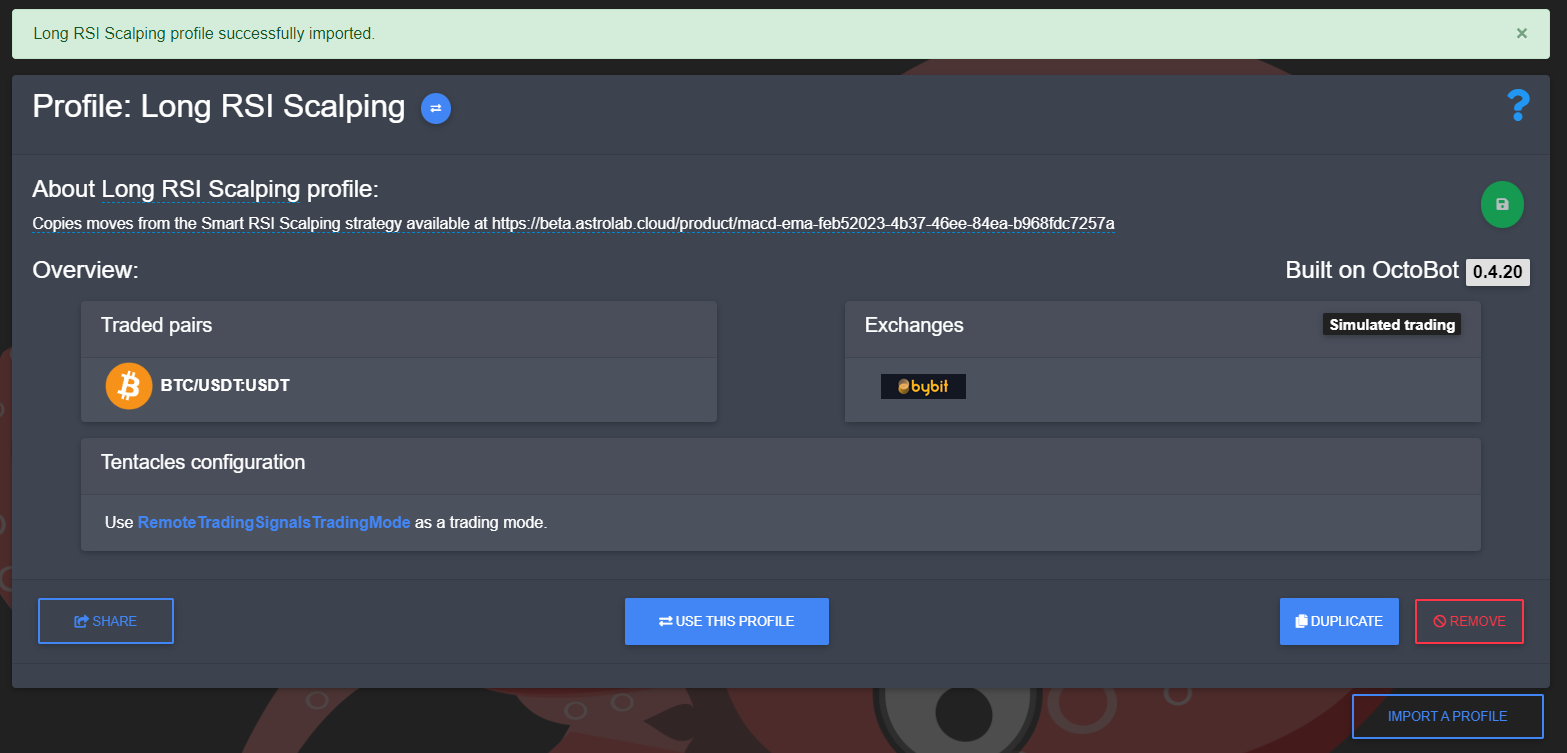
  6. Paste the download url (that was copied from step 3) and click Import Following-strategies-imported
  7. Use the imported profile and restart your OctoBot

Comment ça fonctionne ?

When following a strategy, a user gets access to the trading signals of the strategy. Trading signals are emitted at each order created or cancelled by the followed strategy. This way followers of a strategy benefit from trades of the desired strategy in real time directly from their OctoBot. Strategies can be applied to any exchange as long as the strategy trading pairs are supported. You can follow a strategy with real or simulated trading.

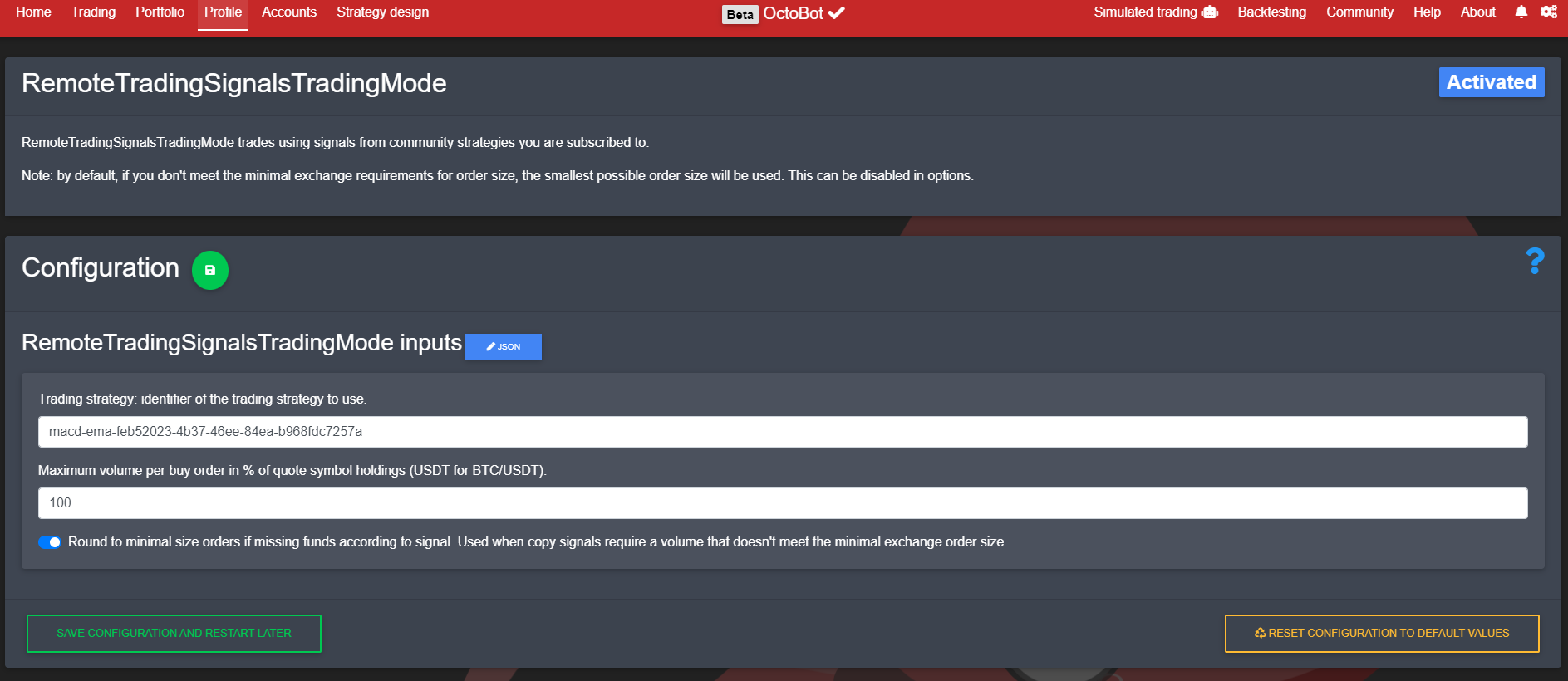
Trading through strategy signals is achieved by using the RemoteTradingSignalsTradingMode configured to follow the strategy you selected. When importing a strategy profile, you are importing an already configured profile that enables this trading mode with the right strategy identifier and the strategy traded pairs and default exchange.

Following-strategies-mode-config

As following a strategy is only possible through OctoBot cloud, you need to login to your OctoBot cloud account from your OctoBot to be able to follow a strategy.

Comment publier une stratégie sur OctoBot cloud ?

Trading strategies are published on OctoBot cloud by the OctoBot community. When a user wants to share a trading strategy, the only thing to do is to:

  1. Create a strategy on OctoBot cloud
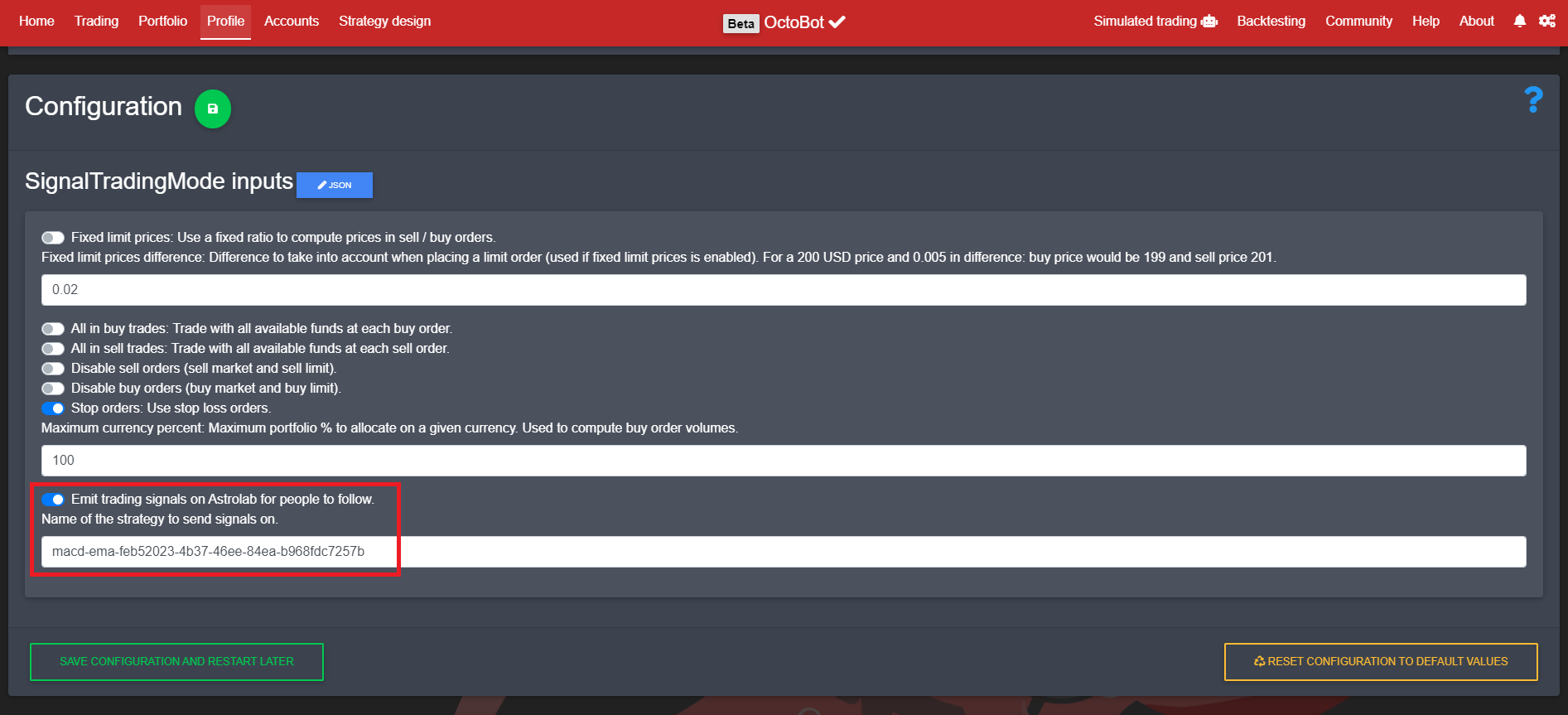
  2. Setup the desired OctoBot trading mode to emit trading signals to this strategy Following-strategies-config

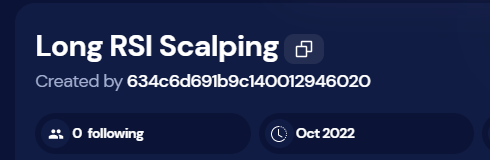
Note: the identifier of the strategy to emit signal on can be found on the strategy page, by clicking on this button Following-strategies-id-button

Please note that configuration and content of a published strategy is not uploaded to OctoBot cloud and followers can't access the code or configuration of the strategy. They will only get trading signals when the OctoBot that is actually running the strategy will create or cancel orders.

Rejoindre la bêta

Following strategies will first be available on the beta OctoBot cloud. To join the OctoBot beta program, have a look at our beta program

What is future trading

What is future trading

· 6 minutes de lecture
Guillaume
Co-founder of OctoBot

cover

What is cryptocurrency future trading

Cryptocurrency future trading is a process of buying and selling digital assets with the aim of making a profit from the difference in prices. It is one of the most popular forms of cryptocurrency trading, as it allows traders to speculate on the future price movements of their chosen asset. In this article, we will take a look at what cryptocurrency future trading is, how it works, and whether it is right for you.

Partager un profile sur OctoBot cloud

Partager un profile sur OctoBot cloud

· 3 minutes de lecture
Paul
Co-founder of OctoBot
info

La traduction française de cette page est en cours.

cover

Pourquoi partager un profile OctoBot ?

In OctoBot, your configuration is stored as a profile. A profile contains:

  • Your activated trading mode and evaluators alongside their configuration
  • Your traded pairs
  • The exchanges you are currently using (without authentication credentials)

Sharing your profile means sharing your current trading strategy configuration. Anyone using your profile will be able to trade in the exact same way as you do with your OctoBot.

Comment partager un profile ?

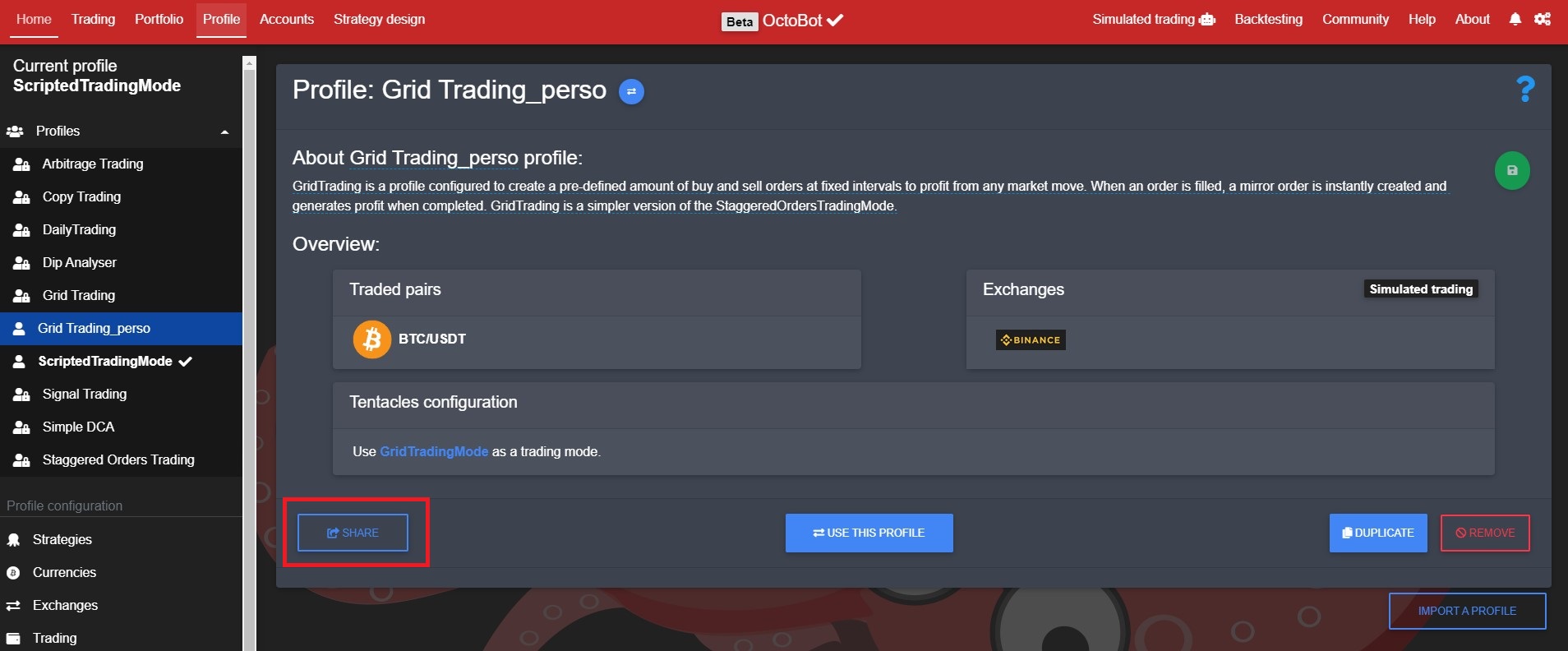
  1. Select and download it from your OctoBot Profile-sharing-from-octobot
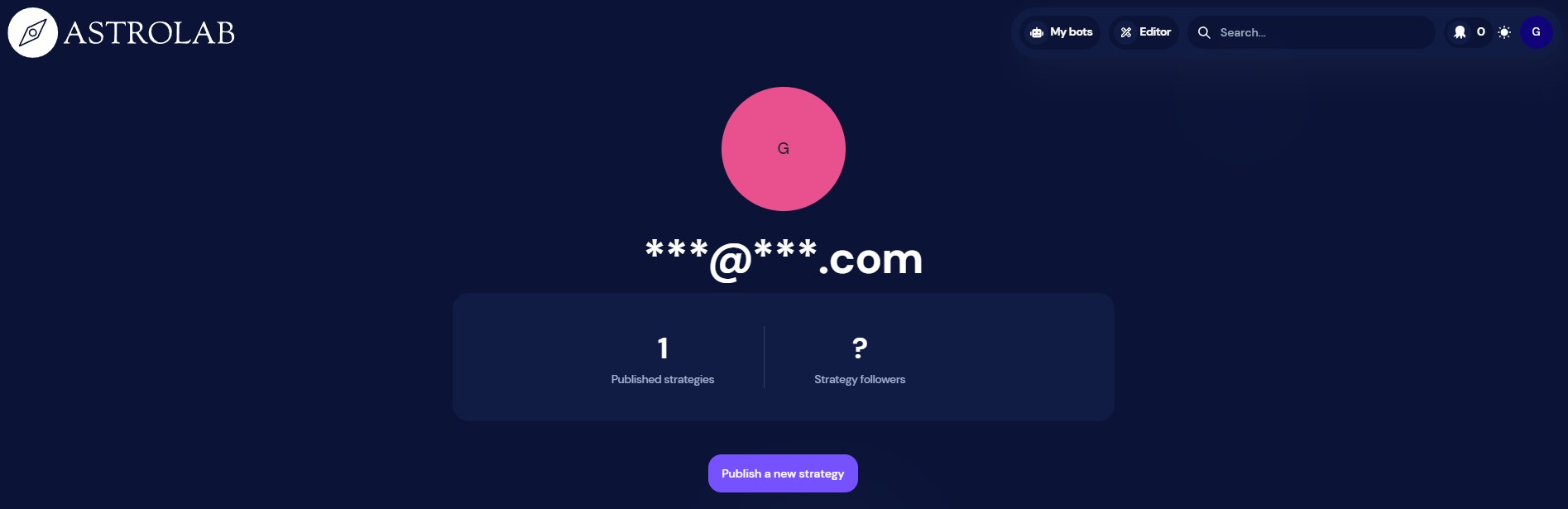
  2. Login on OctoBot cloud, go to Editor and Publish a new strategy Profile-sharing-octobot-cloud-editor
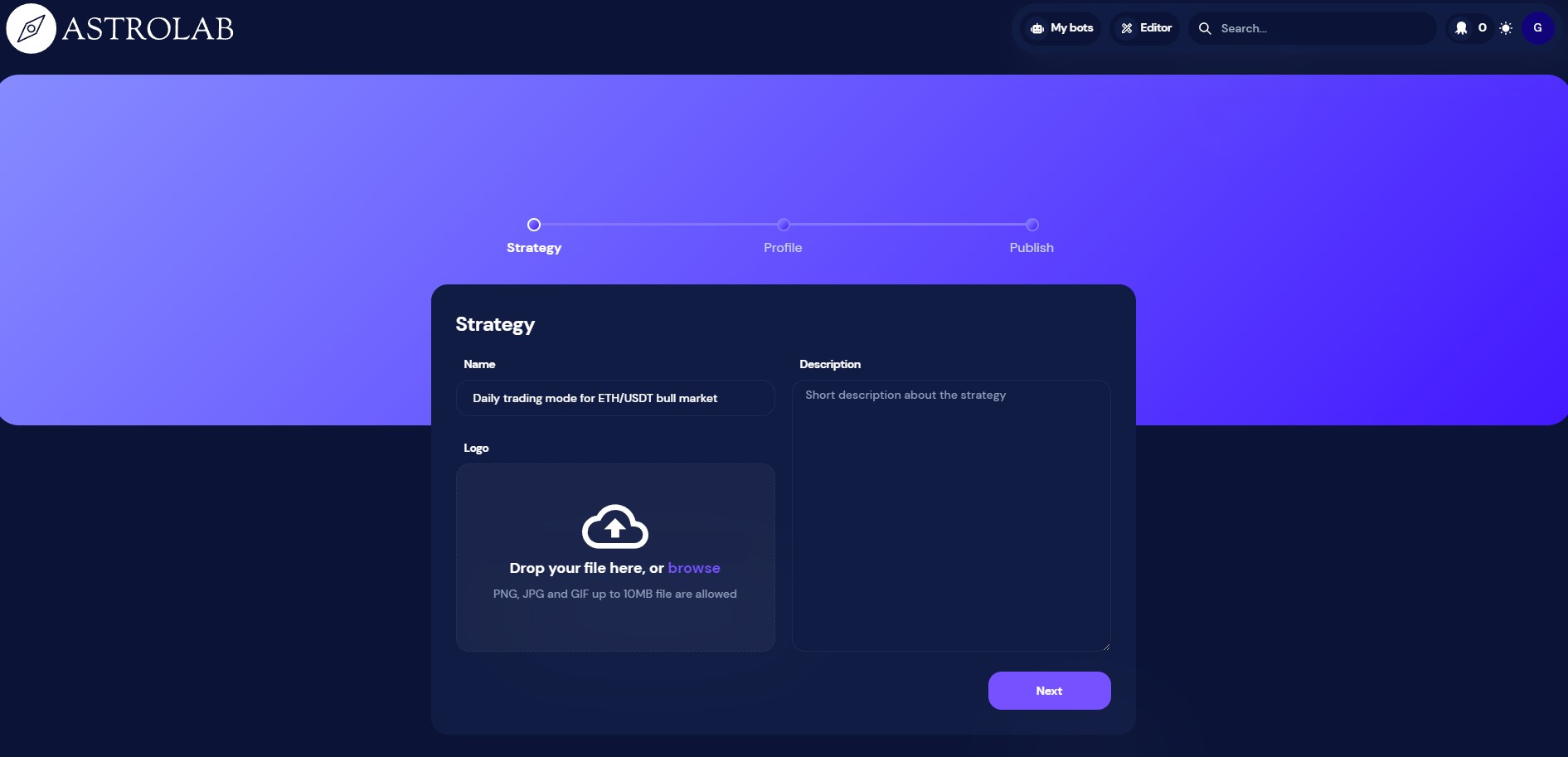
  3. Enter your profile name, description and logo Profile-sharing-octobot-cloud-publish
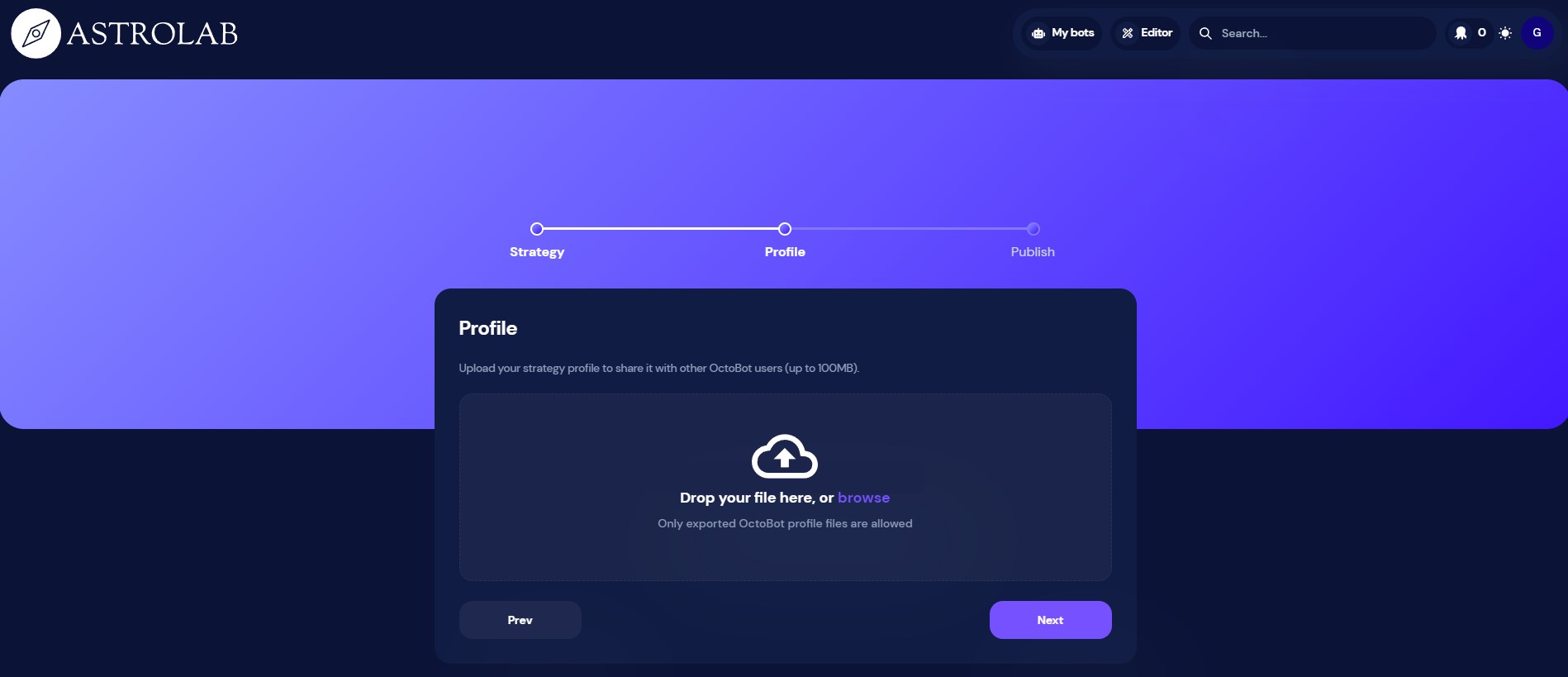
  4. Upload the profile as downloaded from your OctoBot Profile-sharing-octobot-cloud-publish-profile
  5. Submit your profile to make it available to everyone on OctoBot cloud

Note: For now, we are manually checking profiles, therefore there will be a short delay before your profile will be available to everyone on OctoBot cloud.

Comment utiliser un profile d'OctoBot cloud ?

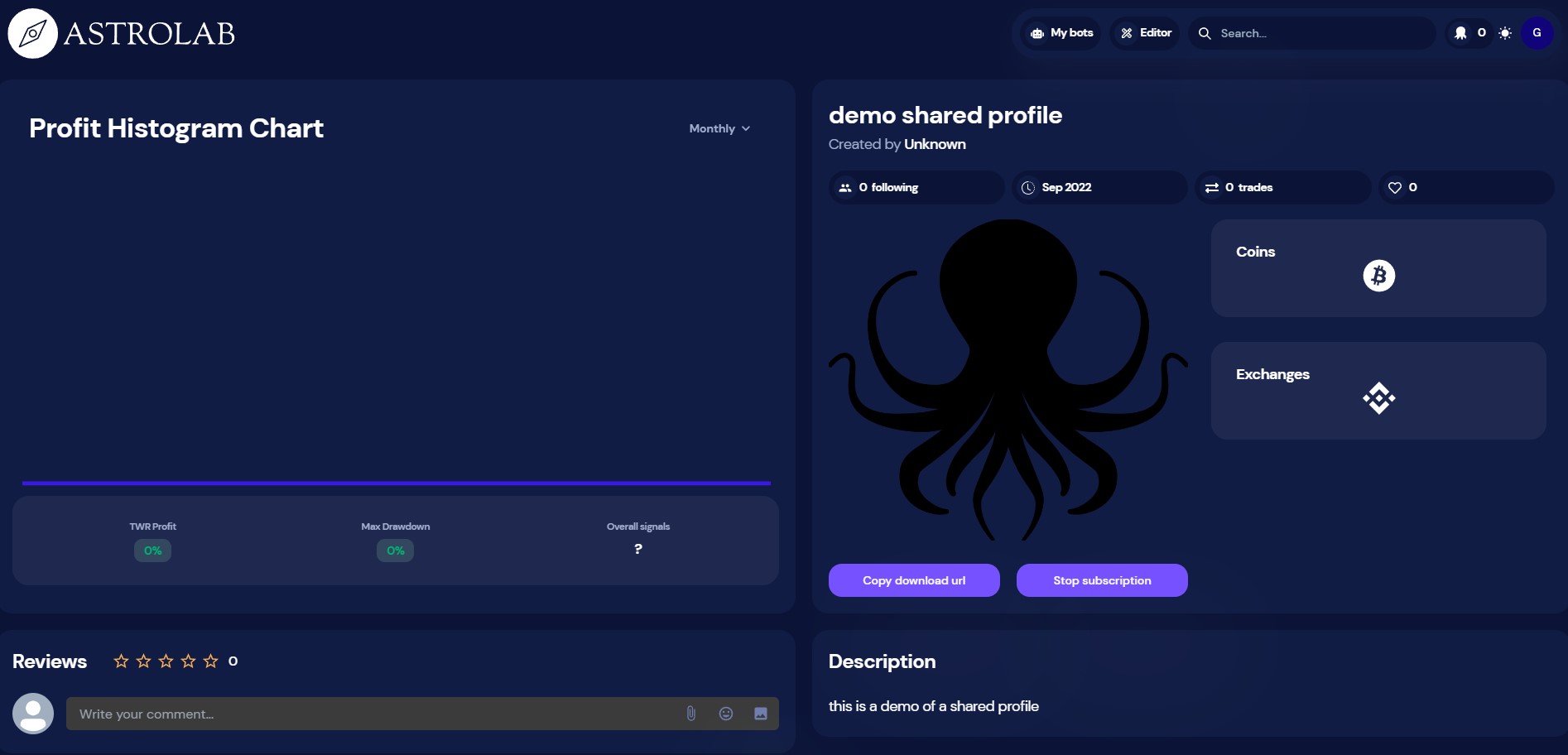
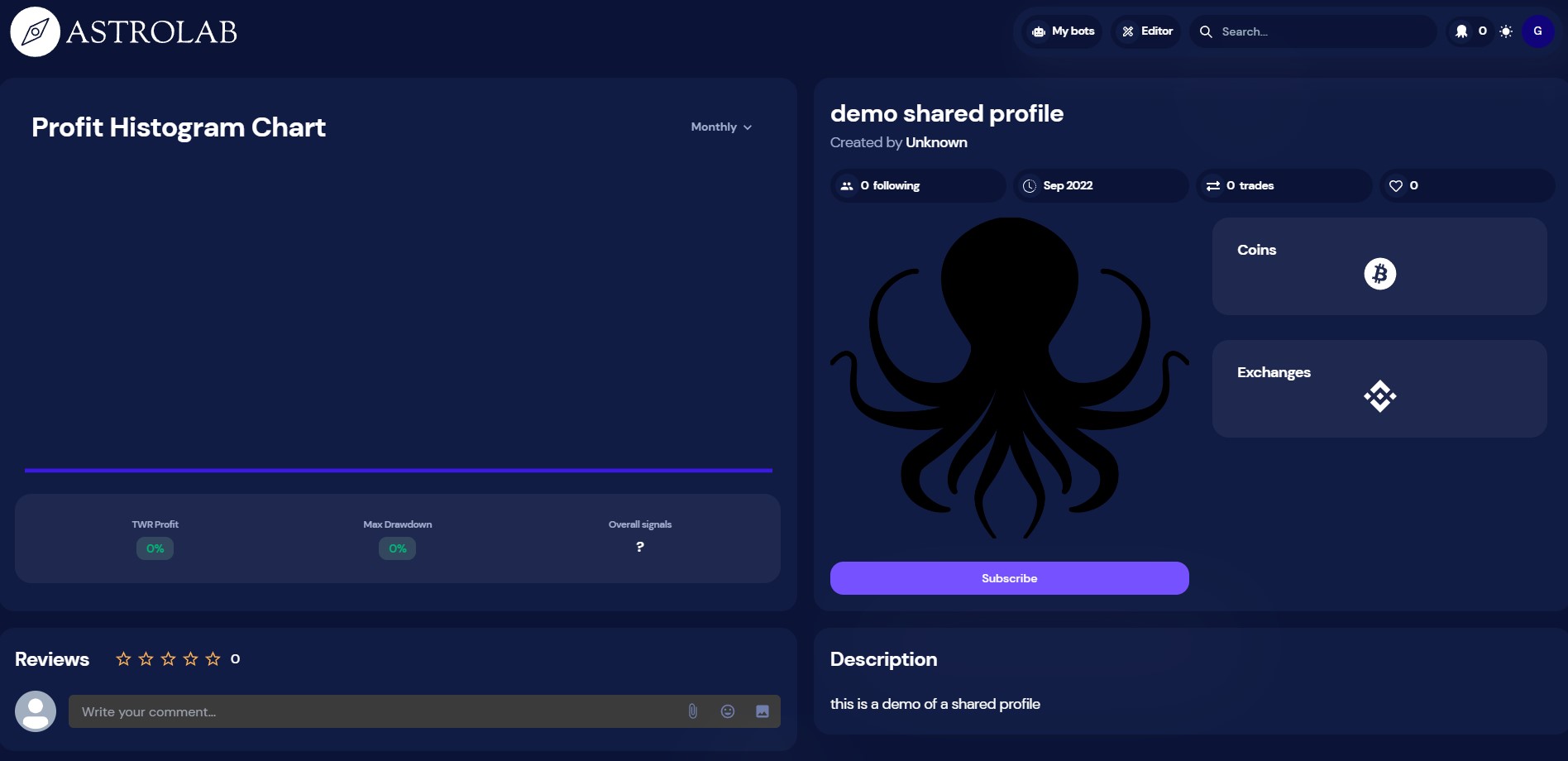
  1. Go yo the profile you want to use and click Subscribe Profile-sharing-octobot-cloud-subscribe
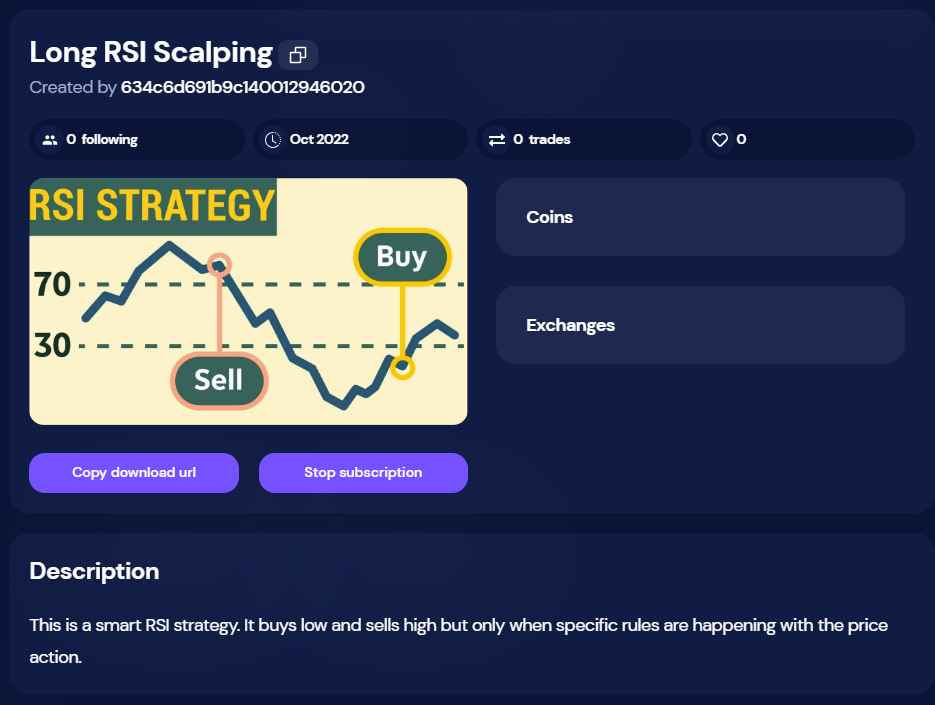
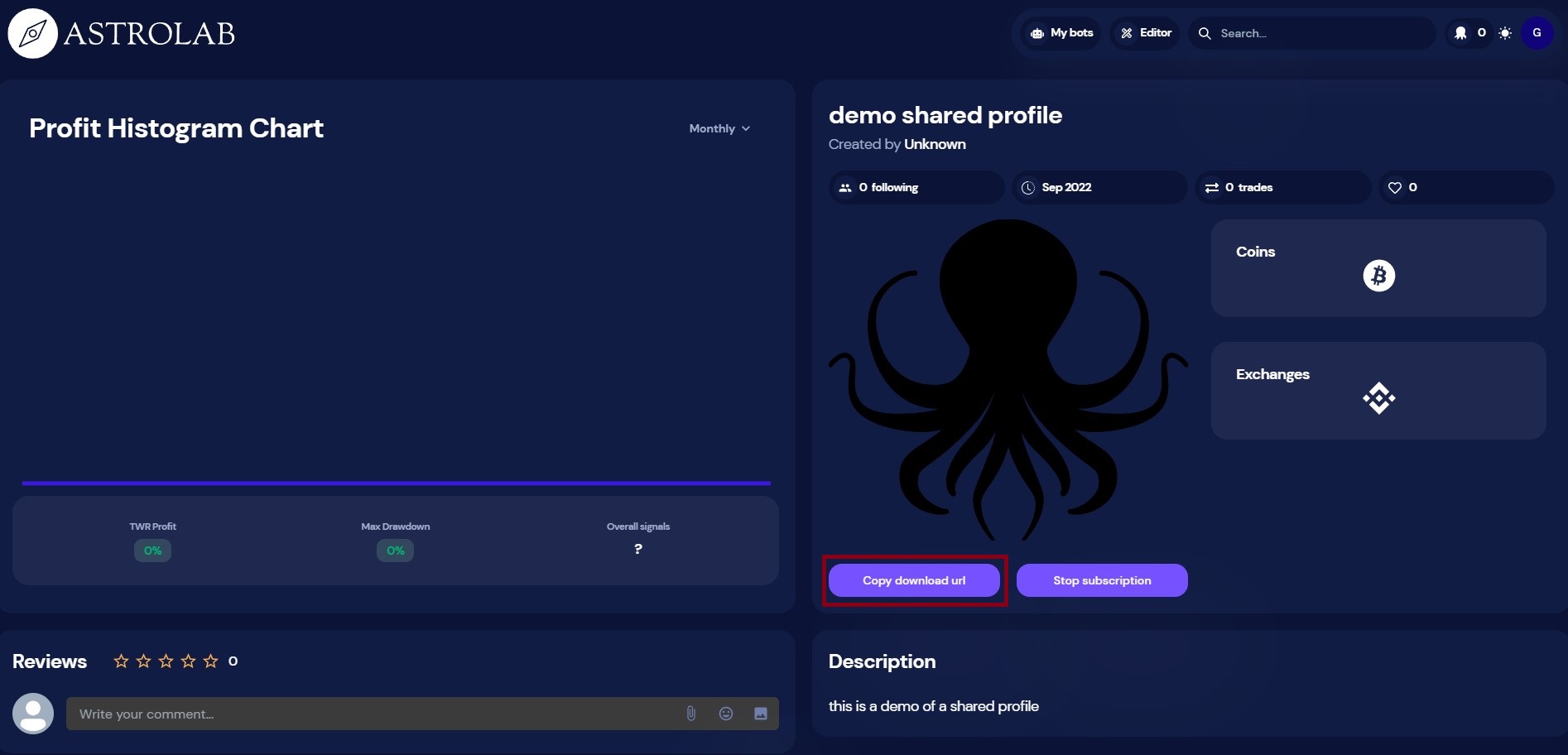
  2. Now that you are subscribing to the profile, click Copy download url Profile-sharing-octobot-cloud-copy
  3. From your OctoBot, click Import a profile Profile-sharing-from-octobot-import
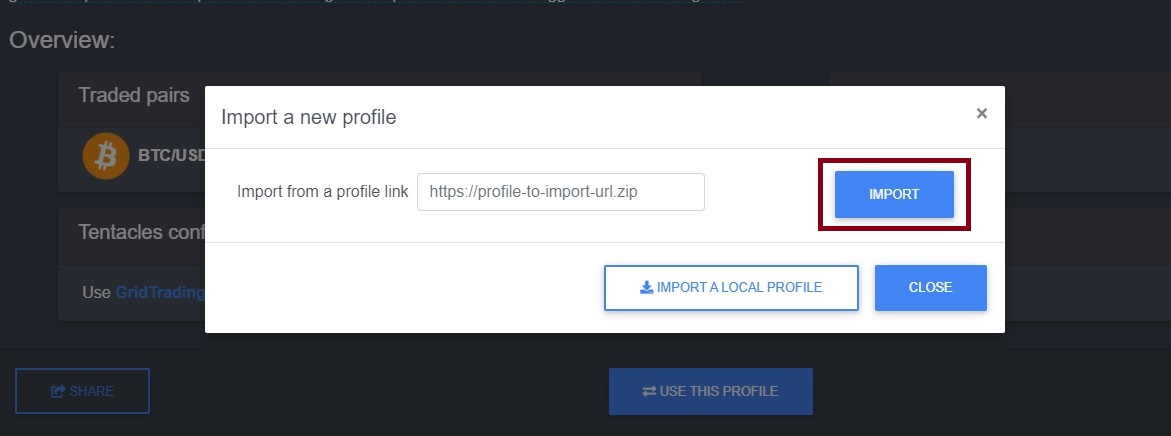
  4. Paste the download url (that was copied from step 2) and click Import Profile-sharing-from-octobot-import-url
  5. The new profile is now available in your OctoBot Profile-sharing-from-octobot-importe

Prochaines étapes

Sharing profiles is the first step towards OctoBot cloud as a platform where OctoBot users can share whole trading strategies. Profiles are merely strategy configurations and we will soon add the possibility to share whole strategies.

With OctoBot cloud, you will be able to:

  • Use and share any strategy with our without sharing its code and configuration
  • Checkout past performances of available strategies
  • Create and use paid or free strategies that are made by the community: creators are incentivized to create strategies with the best results to earn money from paid subscribers that use the strategies

Rejoindre la bêta

Sharing profiles will first be available on the beta OctoBot cloud. To join the OctoBot beta program, have a look our beta program