Automating trading from a TradingView indicator
With OctoBot, you can listen to TradingView indicator signals to automate your trades.
Create an indicator alert
-
Go to the right menu and click on the alert button
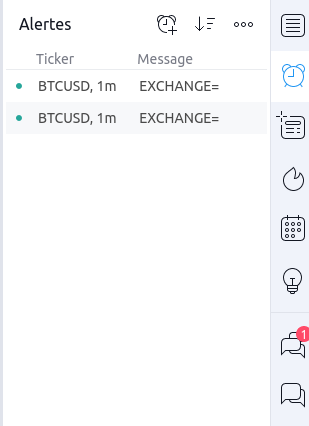
-
Create a new alert with

-
Choose the condition : an indicator cross, a price drop, whatever you want
-
Add your OctoBot webhook as the following screenshot.
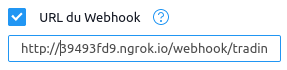
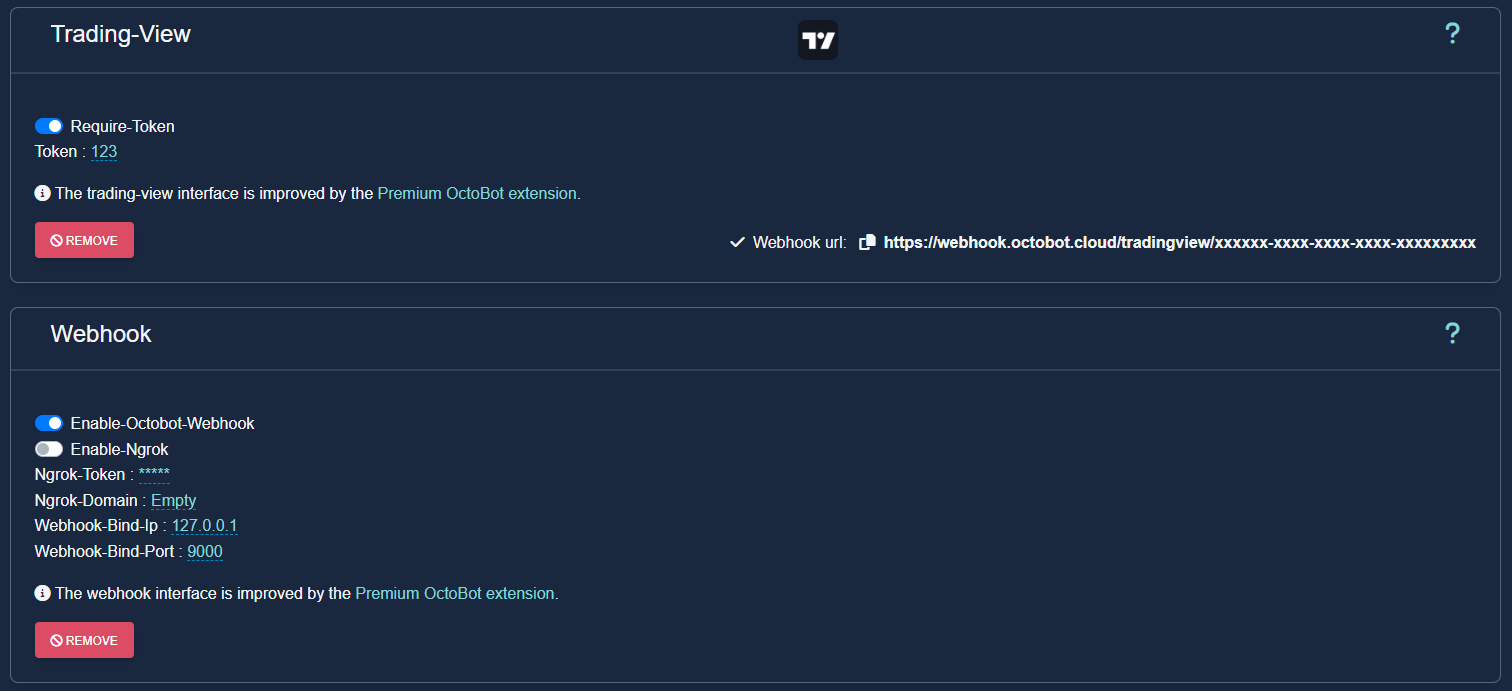
You will find OctoBot's alert webhook URL on your OctoBot's configuration page or in OctoBot's starting logs. It should be an url like
https://webhook.octobot.cloud/tradingview/xxxxorhttp://XXXXXXXX.ngrok.io/webhook/trading_view.WARNING: To improve performances, webhooks are started only when required, this means that you need to activate a webhook related tentacle to get the webhook url (a tentacle such as the trading view signals trading mode)

-
Set the alert message
Alert format
Learn more about how to create your TradingView alerts on the TradingView alert format guide.
TradingView setup
Wondering how to make your OctoBot listen to TradingView signals? Check out our TradingView integration guide.