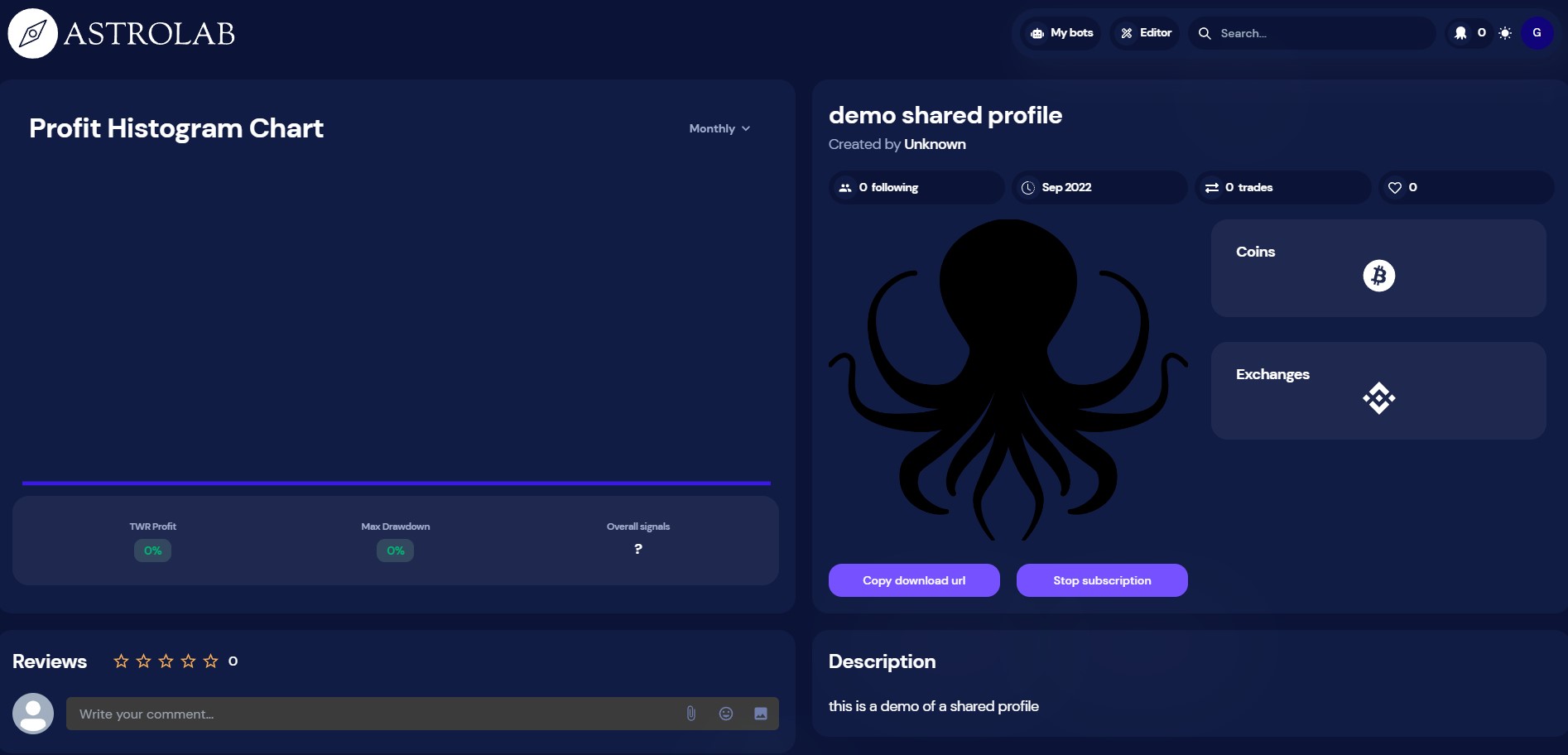
Partager un profile sur OctoBot cloud

La traduction française de cette page est en cours.
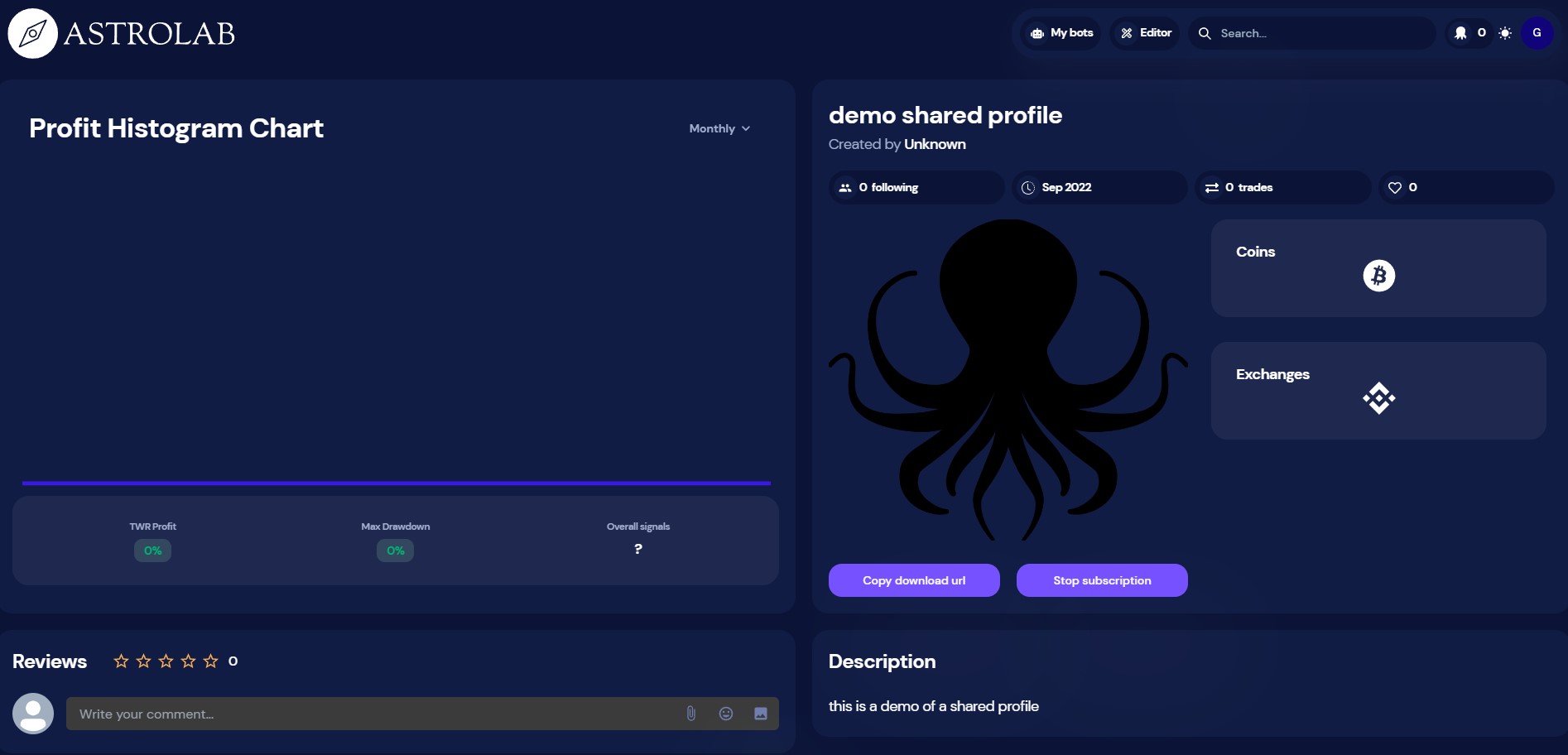
Pourquoi partager un profile OctoBot ?
In OctoBot, your configuration is stored as a profile. A profile contains:
- Your activated trading mode and evaluators alongside their configuration
- Your traded pairs
- The exchanges you are currently using (without authentication credentials)
Sharing your profile means sharing your current trading strategy configuration. Anyone using your profile will be able to trade in the exact same way as you do with your OctoBot.
Comment partager un profile ?
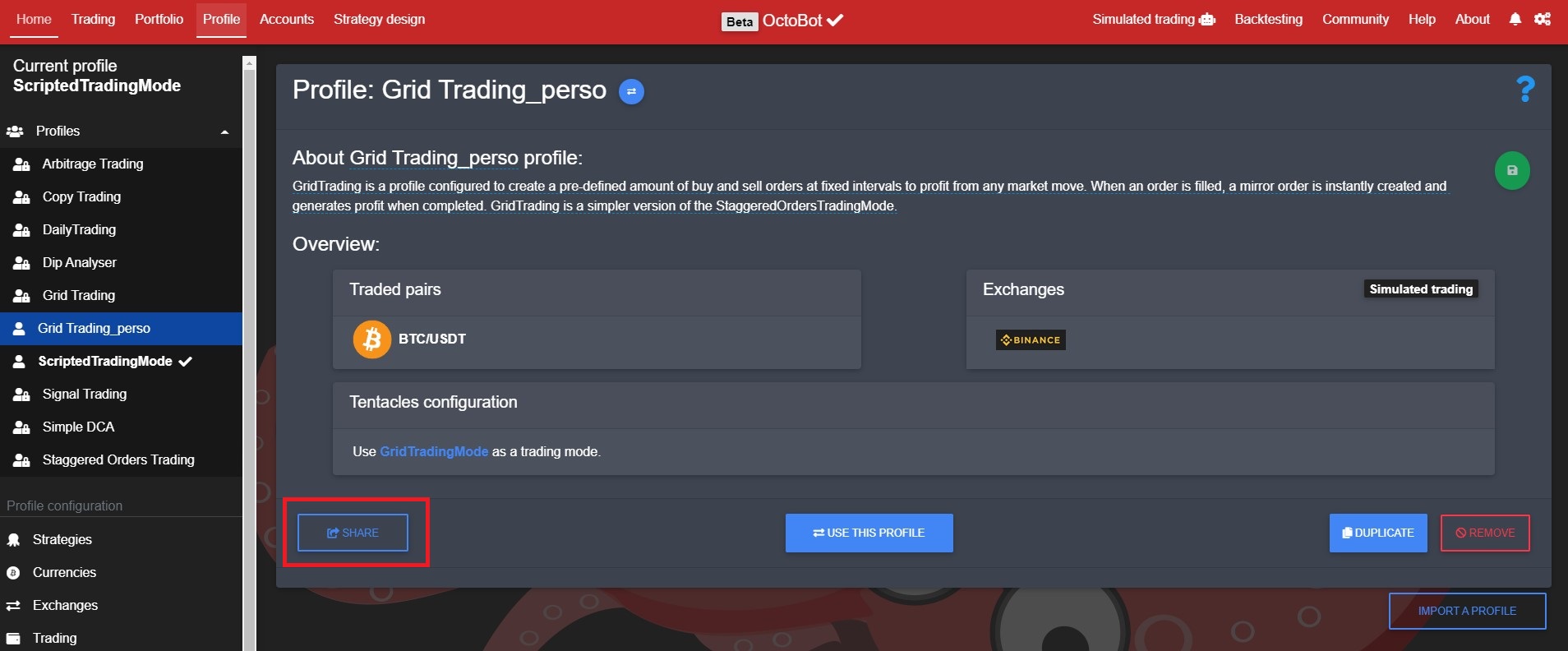
- Select and download it from your OctoBot
- Login on OctoBot cloud, go to
EditorandPublish a new strategy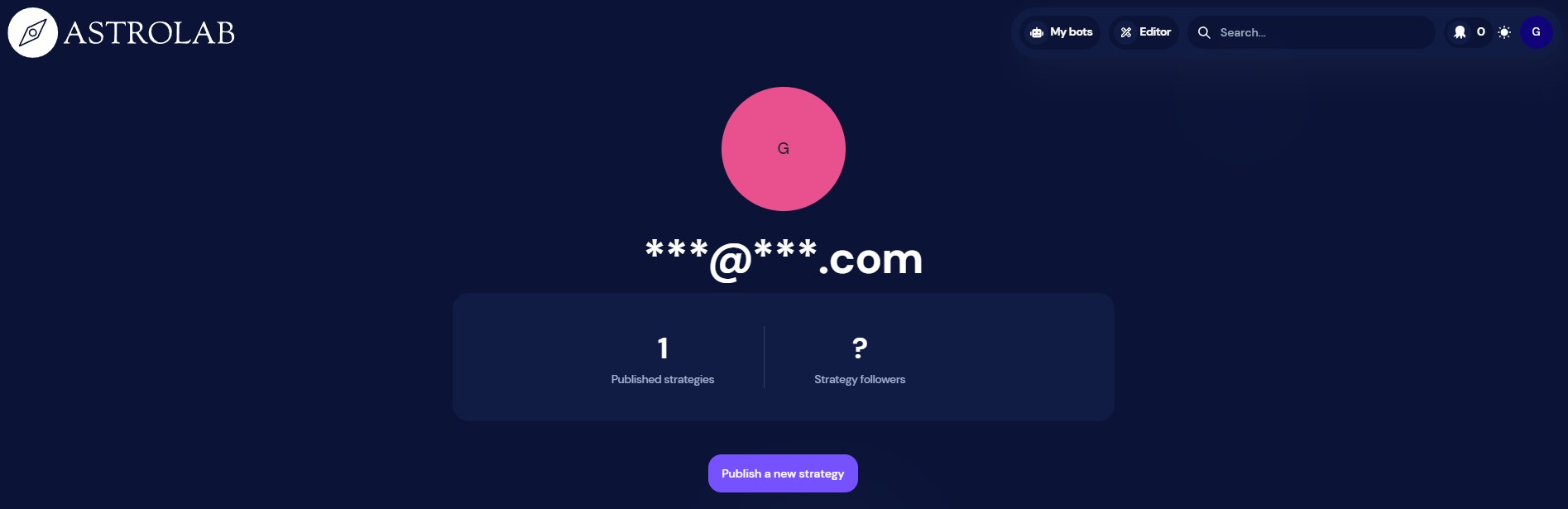
- Enter your profile name, description and logo
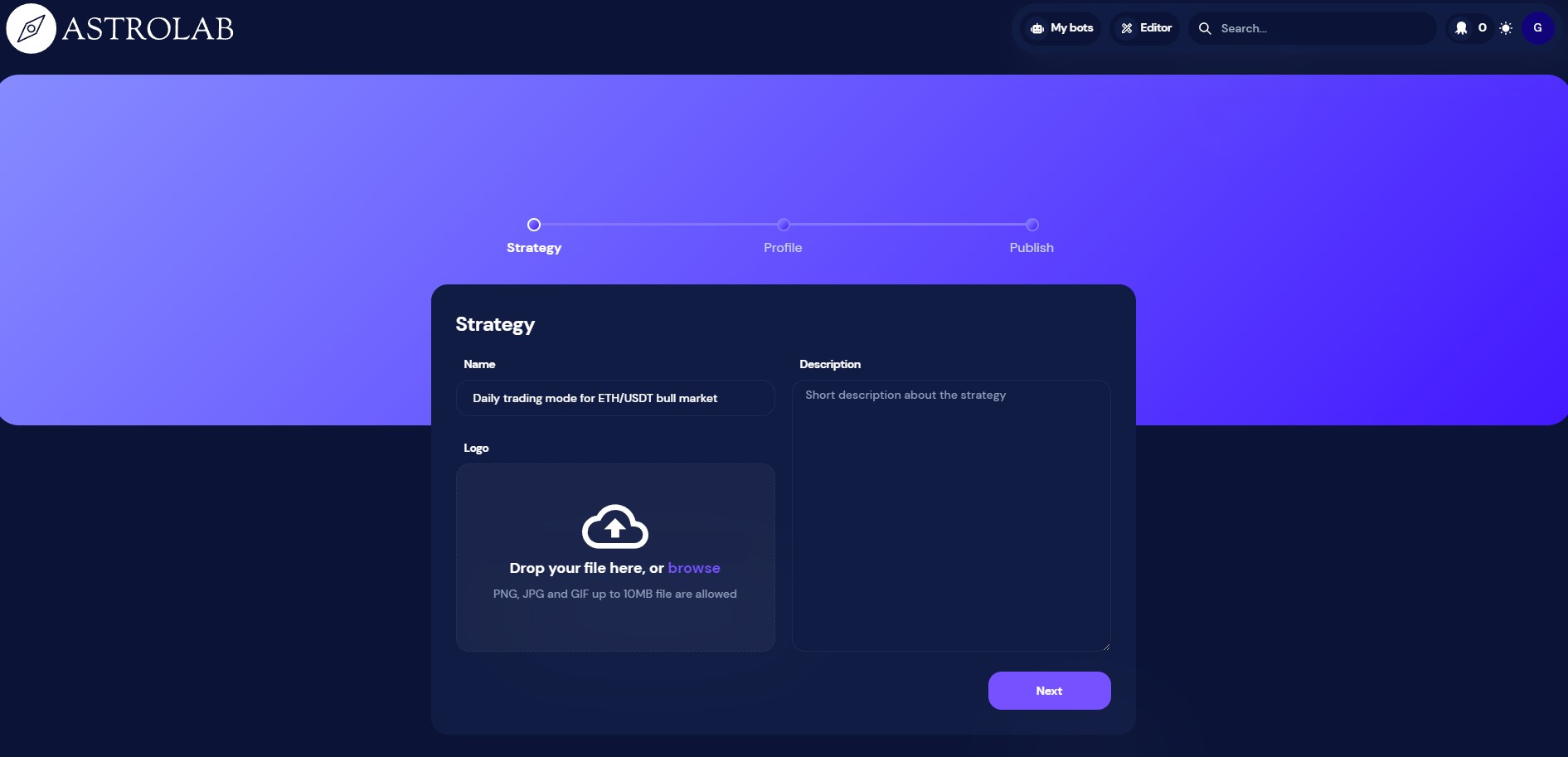
- Upload the profile as downloaded from your OctoBot
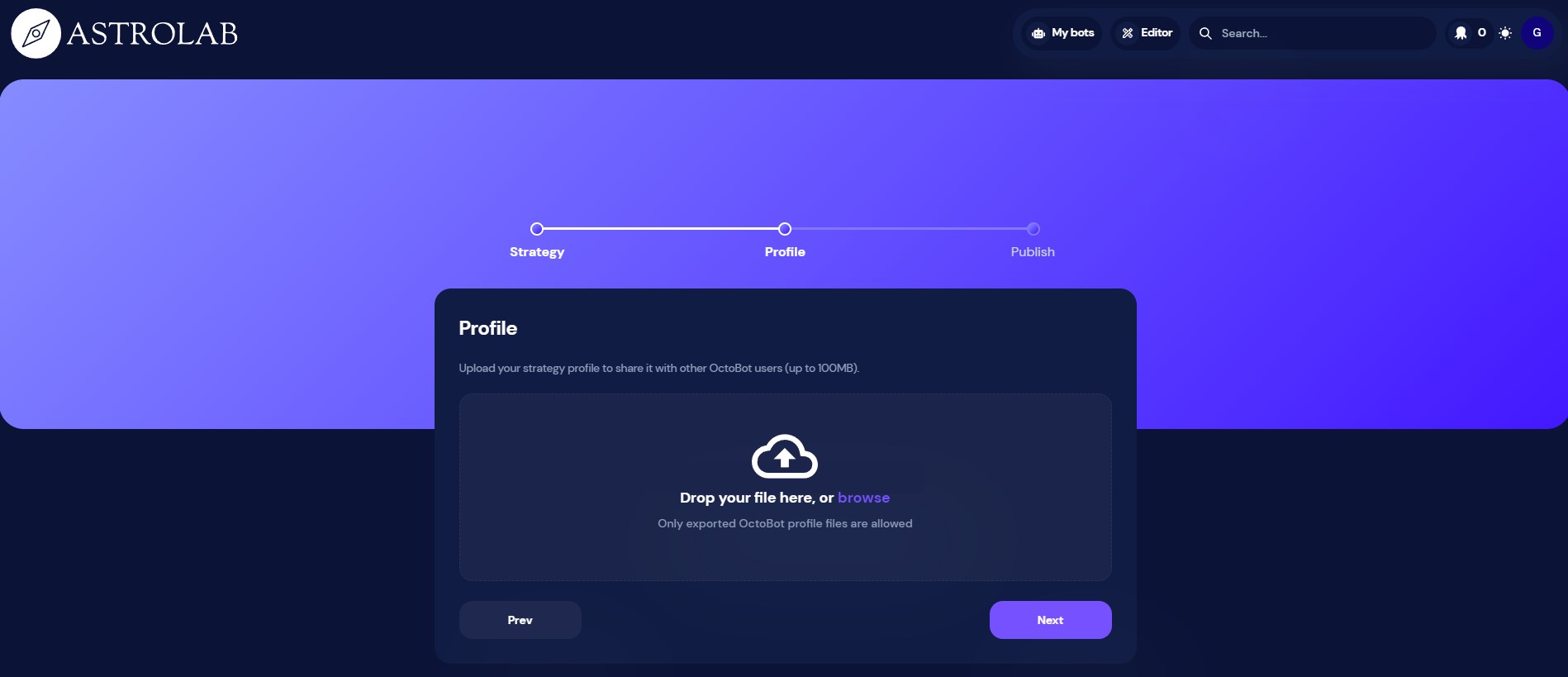
- Submit your profile to make it available to everyone on OctoBot cloud
Note: For now, we are manually checking profiles, therefore there will be a short delay before your profile will be available to everyone on OctoBot cloud.
Comment utiliser un profile d'OctoBot cloud ?
- Go yo the profile you want to use and click
Subscribe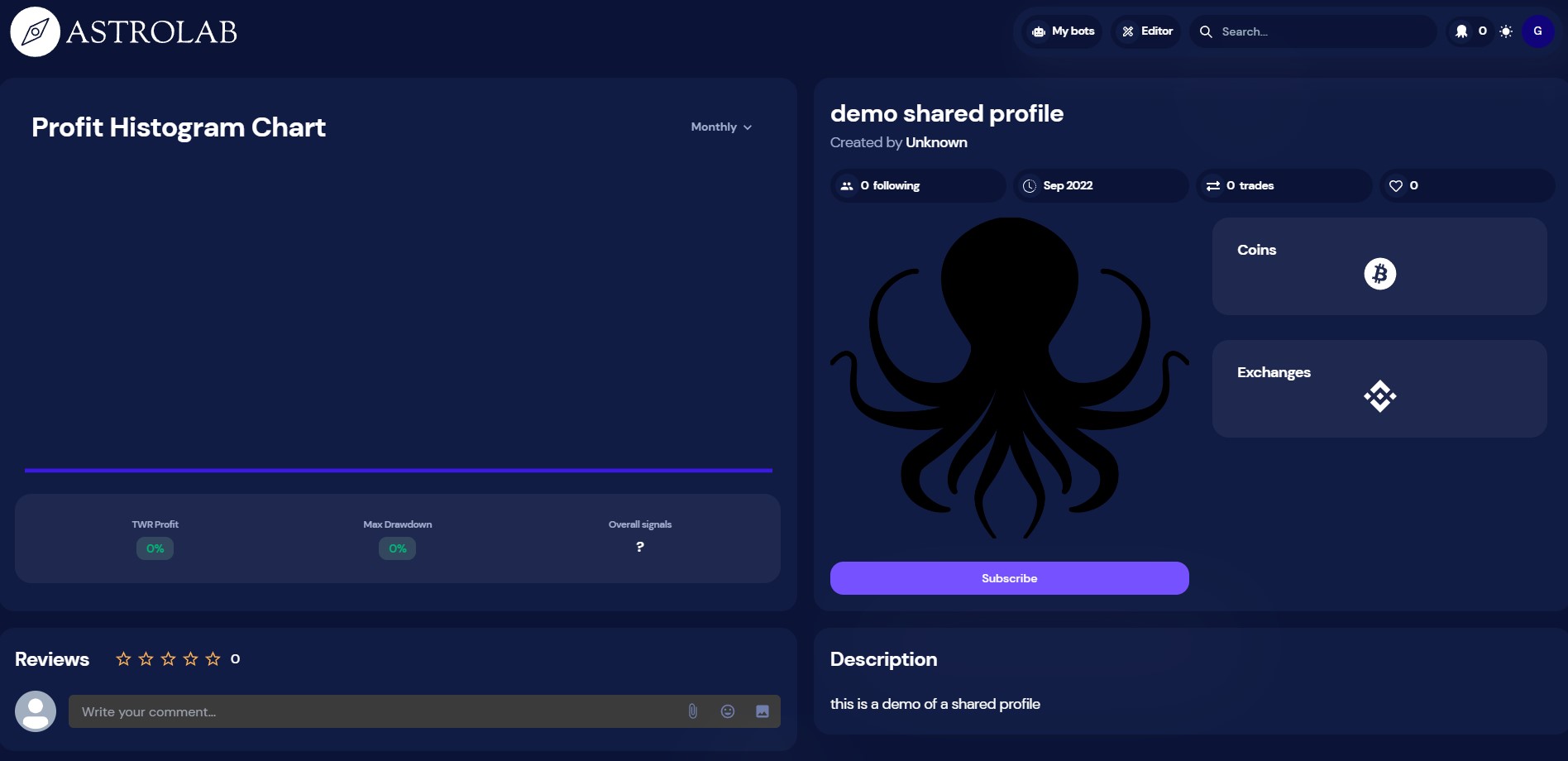
- Now that you are subscribing to the profile, click
Copy download url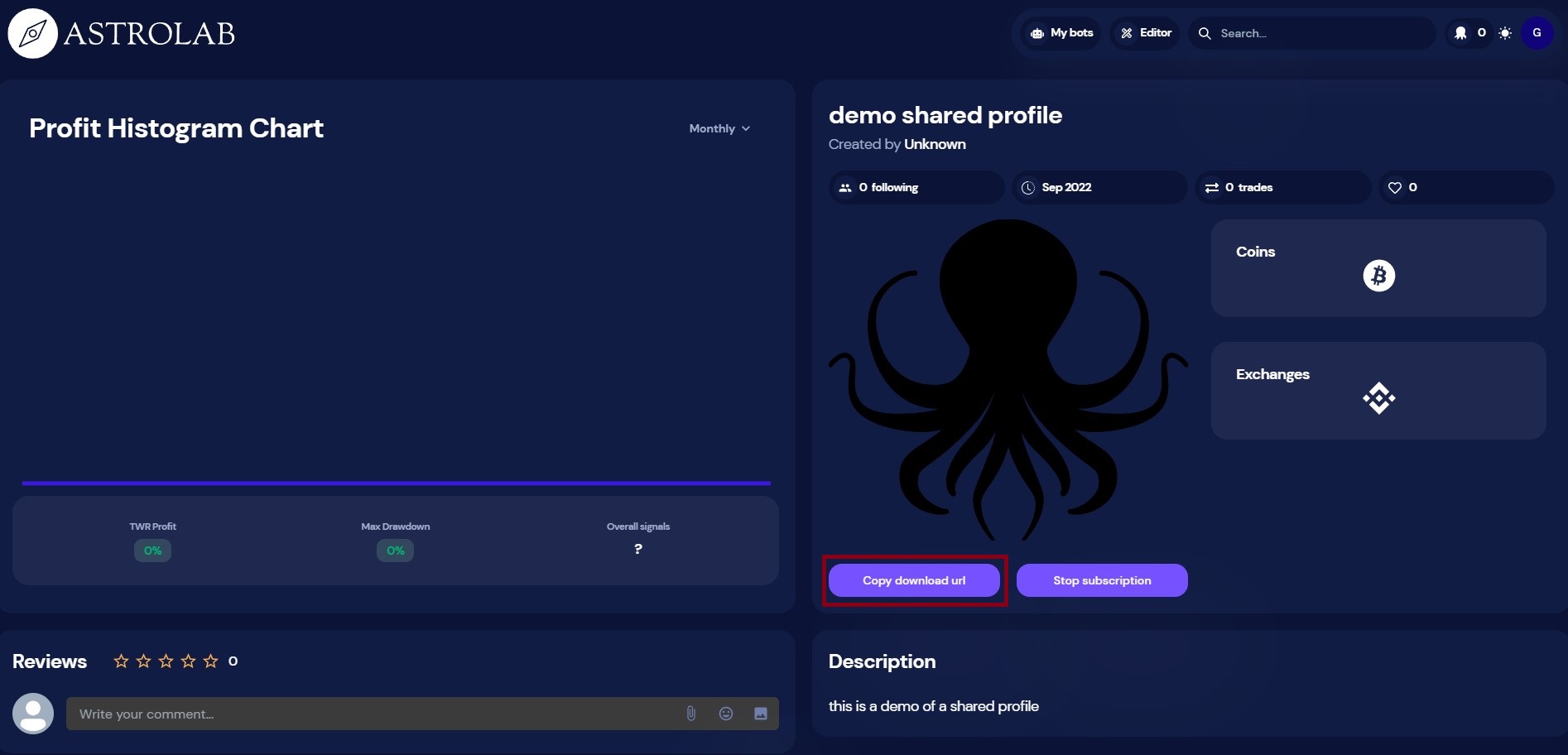
- From your OctoBot, click
Import a profile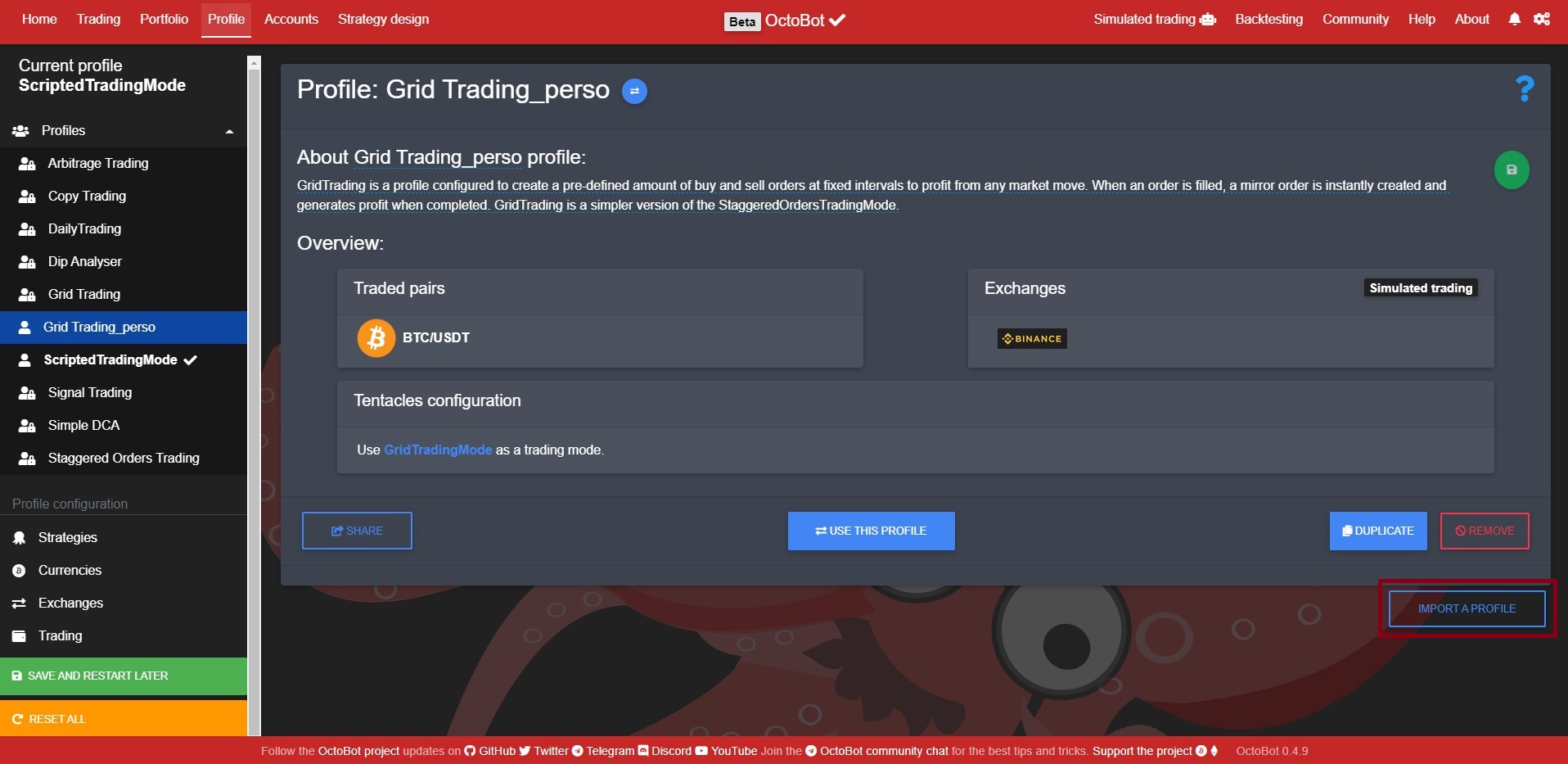
- Paste the download url (that was copied from step 2) and click
Import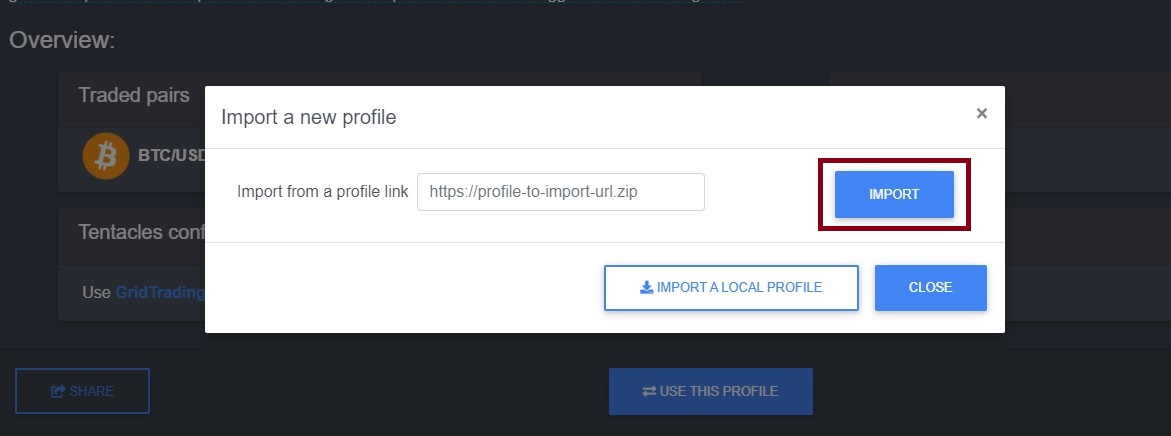
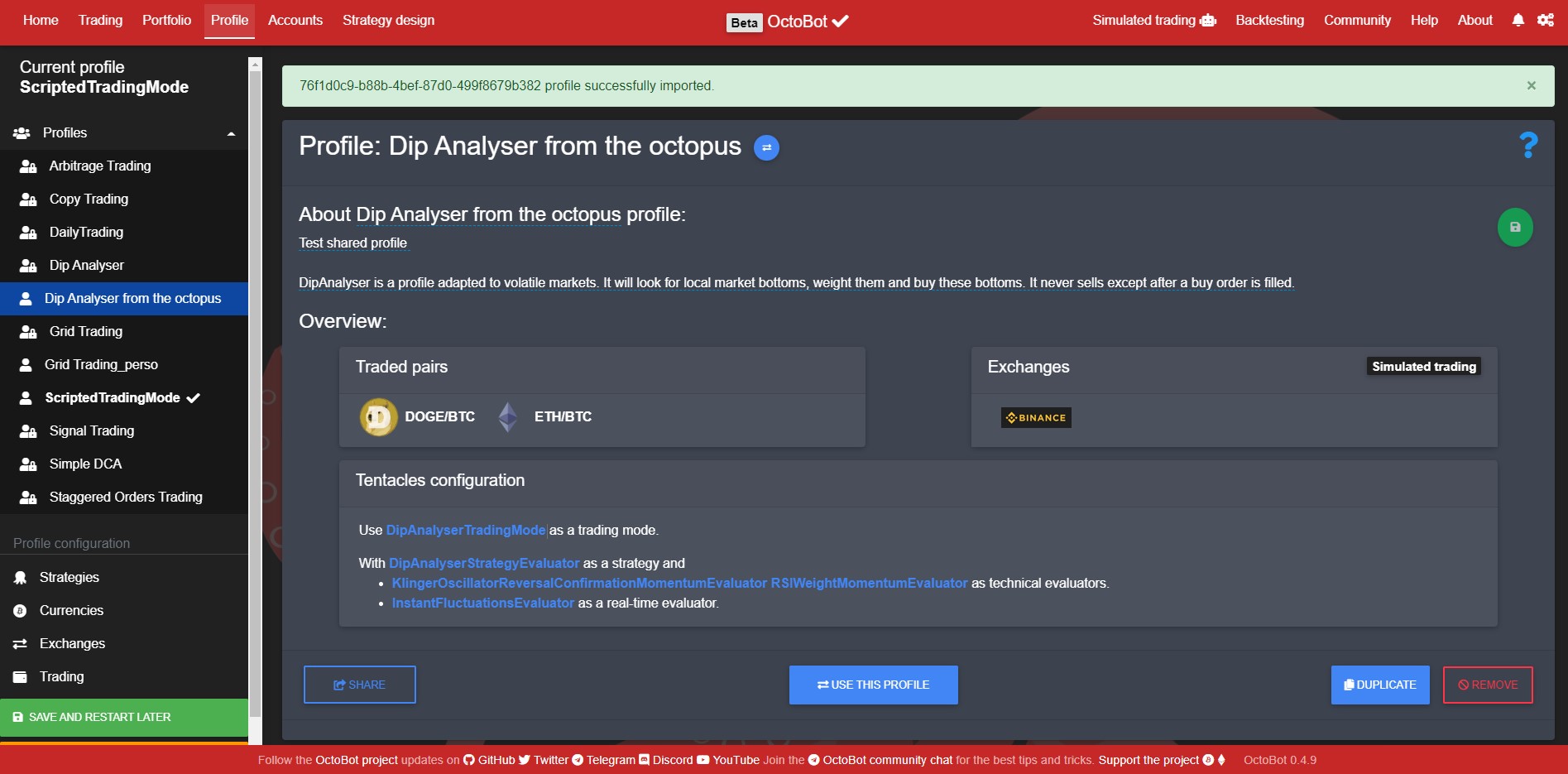
- The new profile is now available in your OctoBot
Prochaines étapes
Sharing profiles is the first step towards OctoBot cloud as a platform where OctoBot users can share whole trading strategies. Profiles are merely strategy configurations and we will soon add the possibility to share whole strategies.
With OctoBot cloud, you will be able to:
- Use and share any strategy with our without sharing its code and configuration
- Checkout past performances of available strategies
- Create and use paid or free strategies that are made by the community: creators are incentivized to create strategies with the best results to earn money from paid subscribers that use the strategies
Rejoindre la bêta
Sharing profiles will first be available on the beta OctoBot cloud. To join the OctoBot beta program, have a look our beta program