Arbitrage Trading Mode
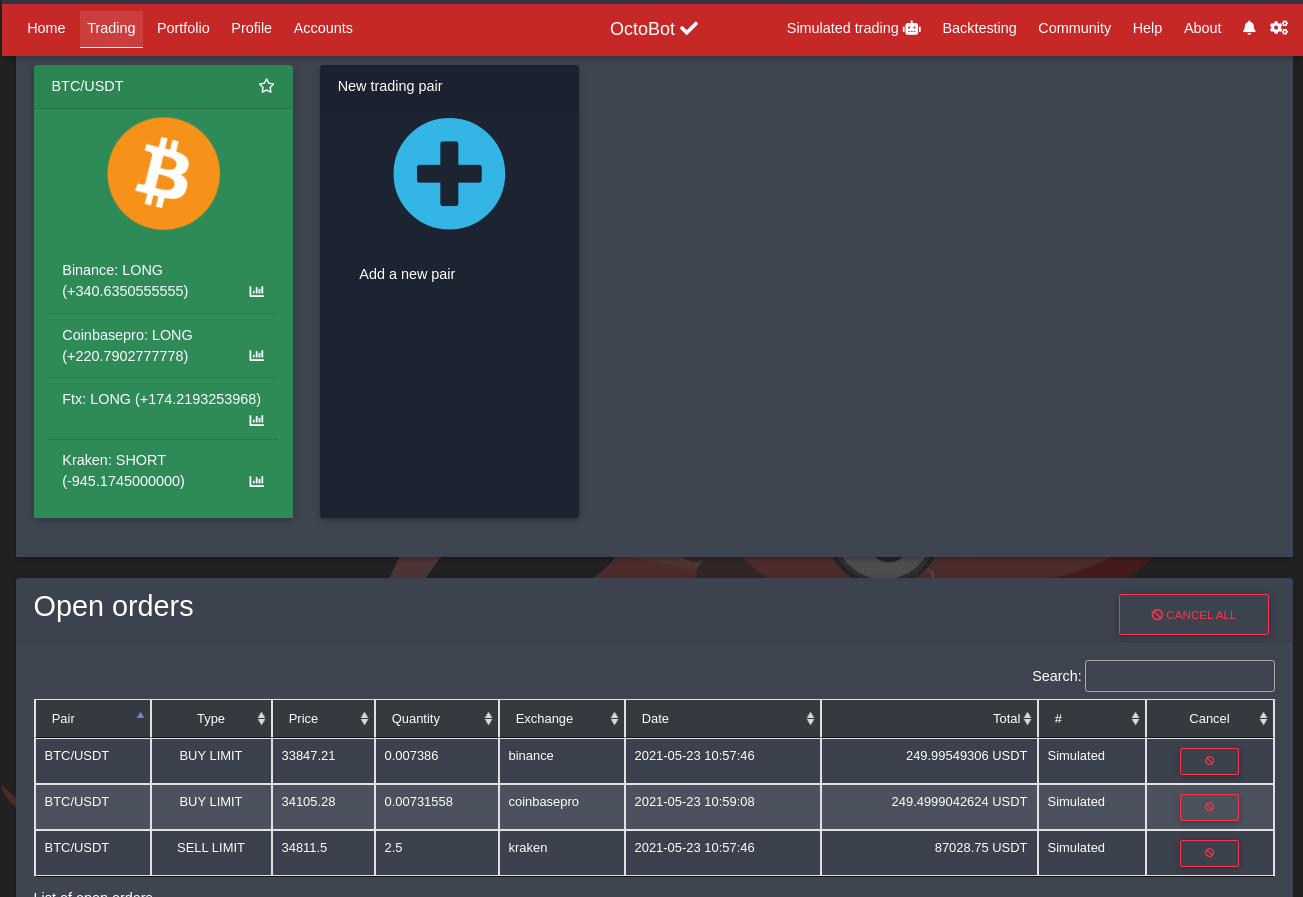
ArbitrageTradingMode is watching prices of the configured trading pairs across the available exchanges to find arbitrage opportunities.
ArbitrageTradingMode is watching the price of the traded pairs accord every exchange and computes its average price. If the price of a pair is far enough from its average cross-exchange price, an arbitrage trade is initiated.
An arbitrage trade consists in 2 orders:
- A limit buy or sell at the current local exchange price
- When this first order is filled:
- A limit buy or a sell at the average price (average of prices on other exchanges) is created to benefit from the arbitrage opportunity
- A stop loss on the opposite side is created to secure funds
The first limit order is cancelled if the local exchange price reaches the other exchanges average price.
No funds are transferred from one exchange to another, it all happens on the same exchange.
It is recommended to enable arbitrage trading on few exchanges only to benefit from price lag:
simply register these exchanges in your ArbitrageTradingMode configuration.
Every exchange in your OctoBot configuration will be used to compute the average price for each traded pair,
therefore you can add highly liquid exchanges to be used as price references only and quickly
spot arbitrage opportunities.
By default every exchange in your OctoBot configuration is used for arbitrage trading. It is recommended to narrow this list down in your ArbitrageTradingMode configuration and only trade on the ones offering arbitrage opportunities and use the others as price indicators.
Exchanges that are used for price reference only require no api keys as no trade is performed on these exchanges.
This trading mode supports PNL history.